
Free tools Clip editor
Edit a clip online
Crop a wide shot to vertical, shift the frame, or turn a sideways video upright. Preview the fix and save a copy with sound. No upload or sign-up.
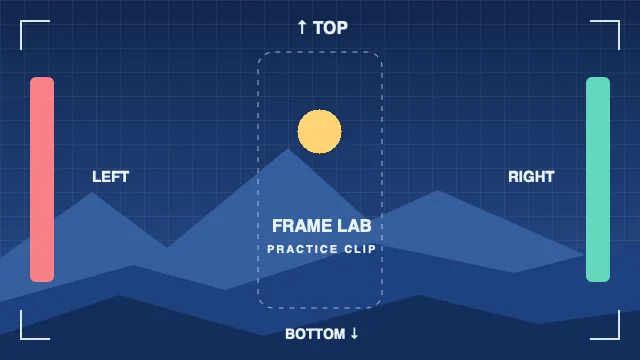
Only the frame changes. The clip stays the same length.
Choose a clip
One H.264 MP4 · up to 30 seconds, 50 MB and 1080p.
Download WebMOpen a clip or try the moving sample. For export, use desktop Chrome or Edge.
How to crop or rotate a video
- Open one short clip. Choose an H.264 MP4. If it has sound, use AAC audio.
- Fix the frame. Rotate in 90° steps. Pick portrait for a vertical clip, square for a feed, or landscape for a wide frame. Shift the crop to keep the subject in view. Use original proportions to rotate without cropping.
- Preview and save. Play the edited view, then select Create WebM. Keep this tab visible until Download WebM appears. The original file is unchanged.
What can I open and save?
Use a single H.264 MP4 up to 30 seconds and 50 MB, with a frame no larger than 1920 × 1080 in either orientation. Export creates a VP8 WebM with Opus audio when the source has supported AAC sound. It takes about as long as the clip plays. Use desktop Chrome or Edge for export; other browsers and mobile export are not guaranteed. This tool does not export MP4.
Does my clip leave this device?
No. Your video, audio and original filename aren’t sent or collected. The editor reads a local copy in this tab and saves the result as a new file. There is no timeline or trimming: this tool only changes the visible frame.