
Takes Tools
Free tools for video creators.
Every free tool from Takes for Mac in one place: time and read a script, test your camera and mic, check a post before you share it, and add sounds. Each one runs in your browser, with no sign-up.
4 tools
Before you record.
Time the script, read it on camera, and check how you look and sound.
-
Online teleprompter
Paste a script, press Space and read. It can follow your voice.
-
Script timer
See how long a script takes to say, and what to cut for 30 or 60 seconds.
-
Mic and webcam test
Record 10 seconds and play it back. It checks light, framing, level, noise and echo.
-
Mirror camera
See yourself live like in a mirror, then watch it back the way others see you.
4 tools
Write the post.
Count, format and preview before you post.
-
LinkedIn text formatter
Bold, italic and bullet points, with a preview of where “see more” cuts.
-
LinkedIn post preview
See your post the way the feed shows it, on a phone and on desktop.
-
LinkedIn character limits
Post 3,000, comment 1,250, headline 220. Count your text live.
-
Tweet character counter
Counts like X. Over 280, it splits your text into a thread.
2 libraries
Add sound and motion.
Free libraries for your edits.
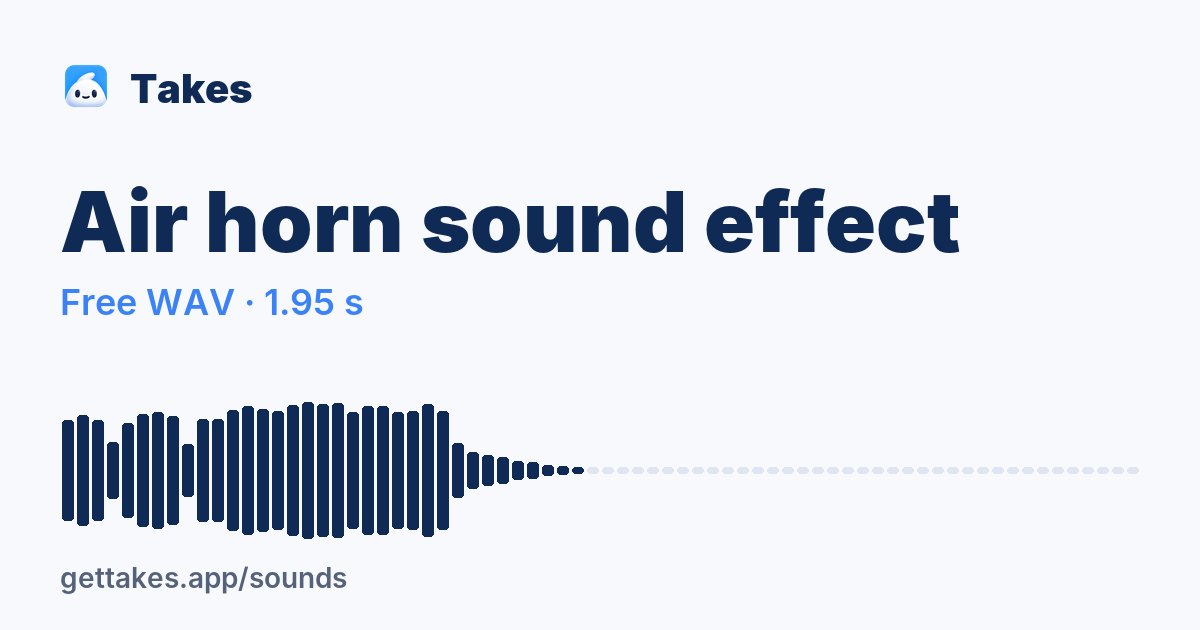
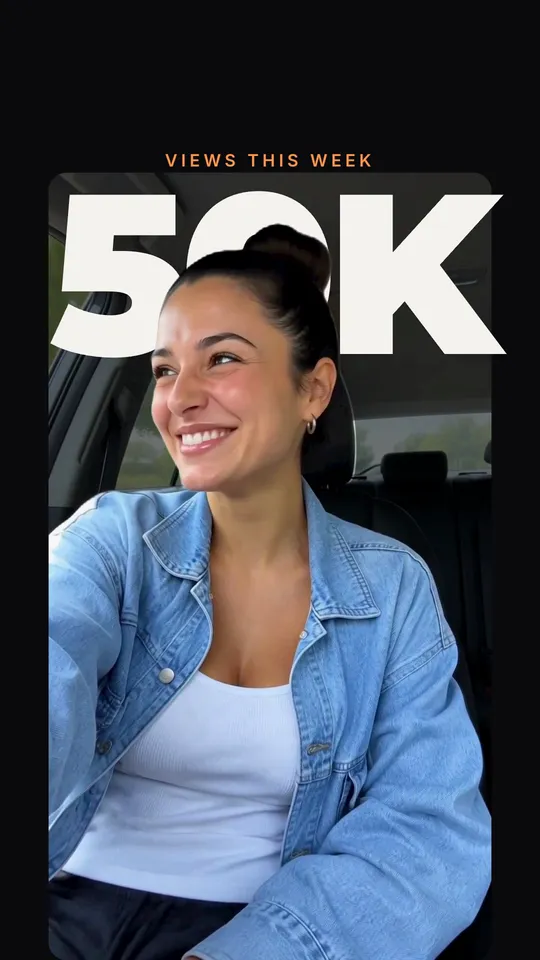
Find yours
Which tool for which job.
| I want to | Use | In Takes for Mac |
|---|---|---|
| Know how long my script runs | Script timer | Scrolls the script as you talk |
| Read a script on camera | Online teleprompter | Script in the notch, under the camera |
| Check my mic and light | Mic and webcam test | Records camera and screen as two files |
| See myself as others see me | Mirror camera | Keeps every take; you star the best one |
| Make a LinkedIn post stand out | LinkedIn text formatter | Drafts the post next to the video |
| See where “see more” cuts | LinkedIn post preview | Shows the post as the feed does, cut at “…more” |
| Fit a post into 280 characters | Tweet character counter | Drafts the X post too |
| Add a sound or an animation | Sound effects, Motion graphics | The agent adds them when you ask |
On a Mac?
Get it on your Mac.
Takes for Mac shows your script under the camera, records the take and edits it when you ask. Free and open source. The line installs it; the .dmg works too.
Questions
Questions about the tools.
Are these tools free?
Yes. Each tool runs free in your browser with no sign-up. Takes for Mac is free and open source (MIT) too.
Do I need Takes for Mac to use them?
No. The tools work in any browser. Takes for Mac adds the teleprompter under the camera, recording and edits.
Does my video or voice leave my computer?
No. The mic test and the mirror camera keep your video and voice in your browser.
Where are the guides?
The guides on recording, editing and posting a talking-head video are on the guides page.