 Takes
Motion › Full frame
Explainer video template
Split explainer: a motion graphic for talking-head videos. Copy the prompt, and Takes puts it on your take.
Preview · 5 s · no sound
Paste in Takes
Use the Split explainer from 0:05 to 0:40 with the title "Film it once, post it daily", and cut to full frame on the punch lines.
Works in the Takes chat, or in Claude Code with the Takes MCP.
What it does
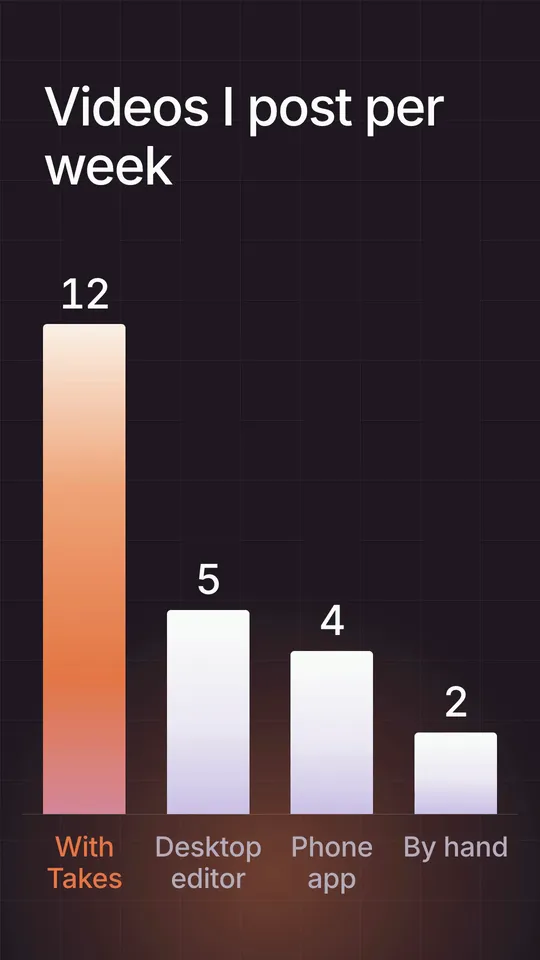
A black page for explaining a framework: a title at the top, a graphics area, the speaker's camera in a rounded box, and one caption line between them. Hard cuts to the full-frame camera for punch lines.
Use it for
Explainers with a framework or stepsHolding a map, gauge or list in the graphics areaThe whole explainer part of a video
How it is made
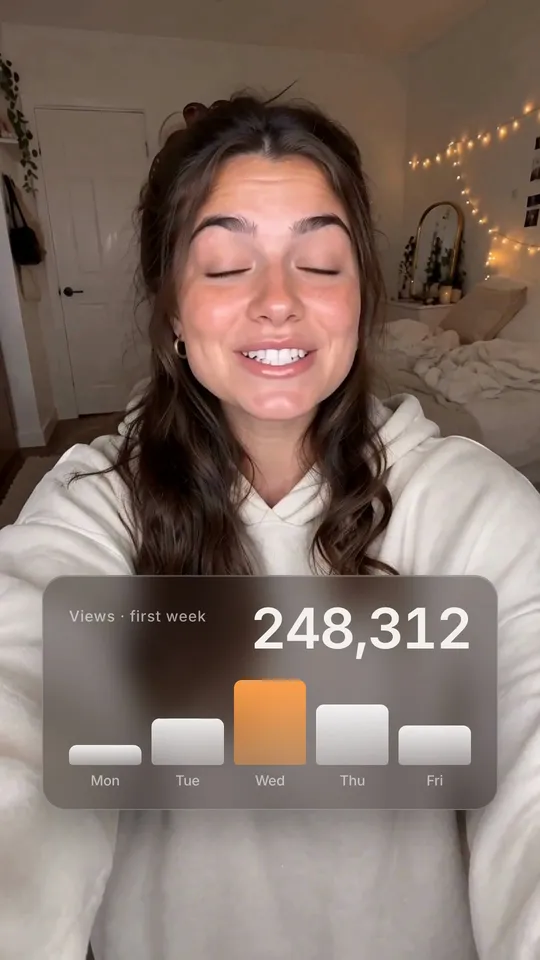
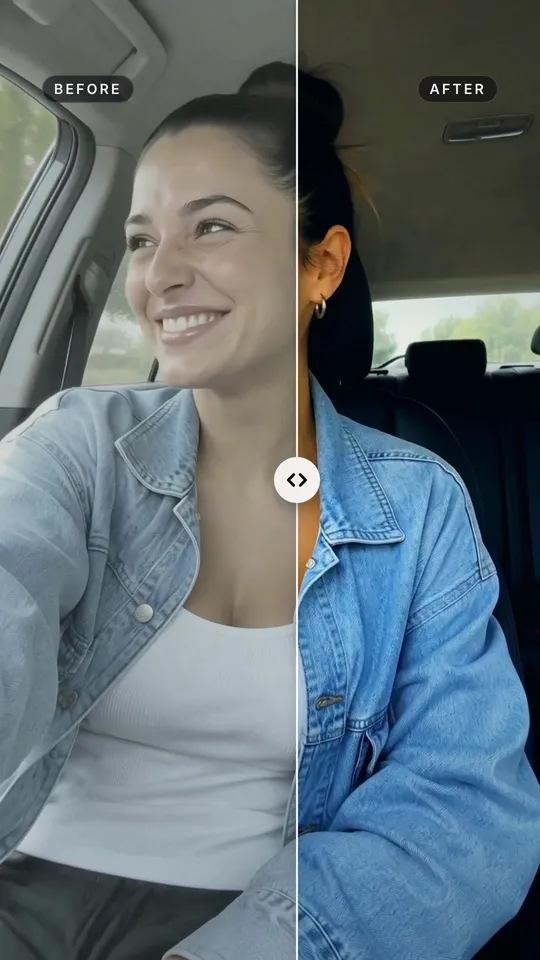
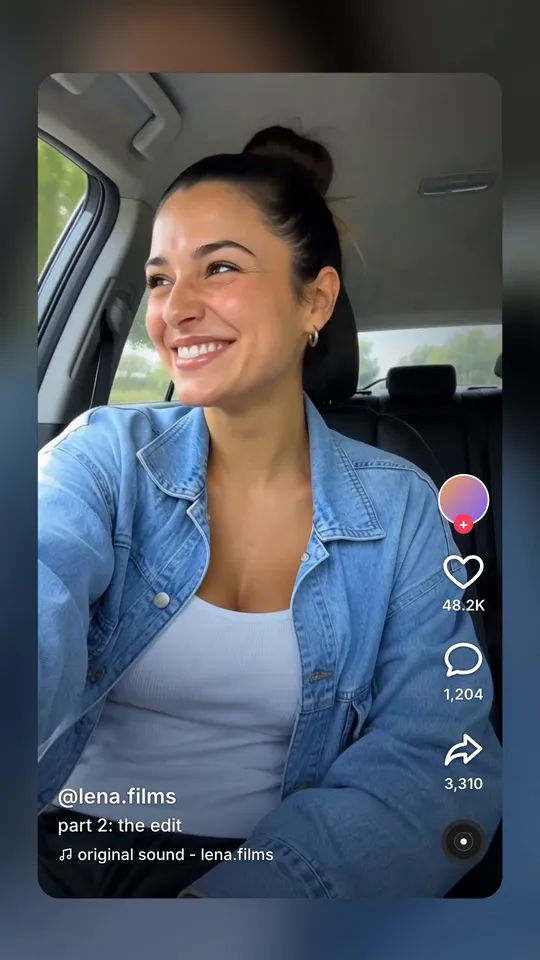
Full frame. A HyperFrames composition (HTML and GSAP) that Takes renders on your Mac and lays over your take, timed to the words you say. It works in 9:16, 4:5, 1:1 and 16:9. The people in the preview are made with AI; they are not real people.