 Takes
Motion › Overlay
Arrow animation
Note arrow: a motion graphic for talking-head videos. Copy the prompt, and Takes puts it on your take.
Preview · 5 s · no sound
Paste in Takes
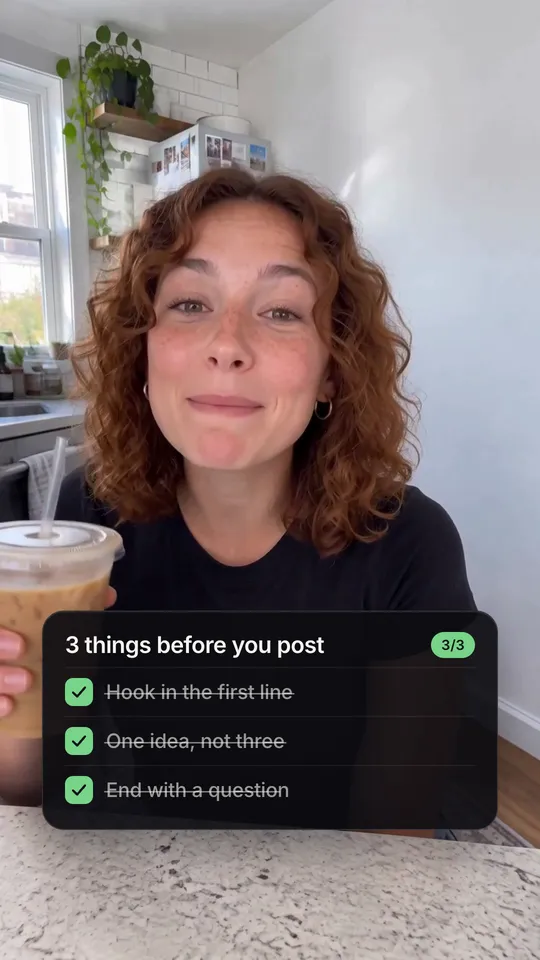
Add Note arrows at 0:04: point at my iced coffee with "iced coffee = take 4 energy", then at my shirt with "same tee, every video".
Works in the Takes chat, or in Claude Code with the Takes MCP.
What it does
A short handwritten note in white marker letters next to the speaker, with a hand-drawn curved arrow that points at one spot: a hand, a cup, something they hold. The arrow draws on with a flick, then the note writes on letter by letter.
Use it for
Pointing at one thing in the shotA short fact about itCasual vlog notes
How it is made
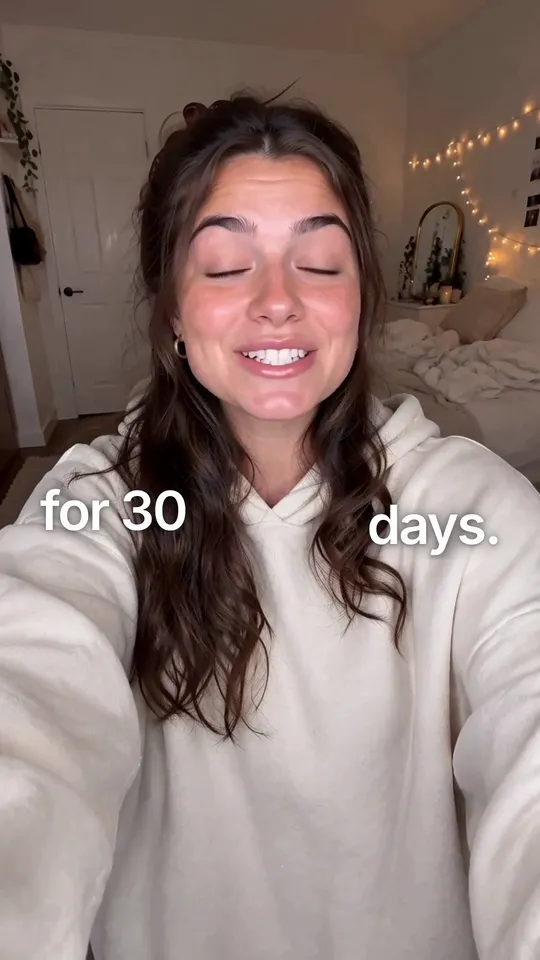
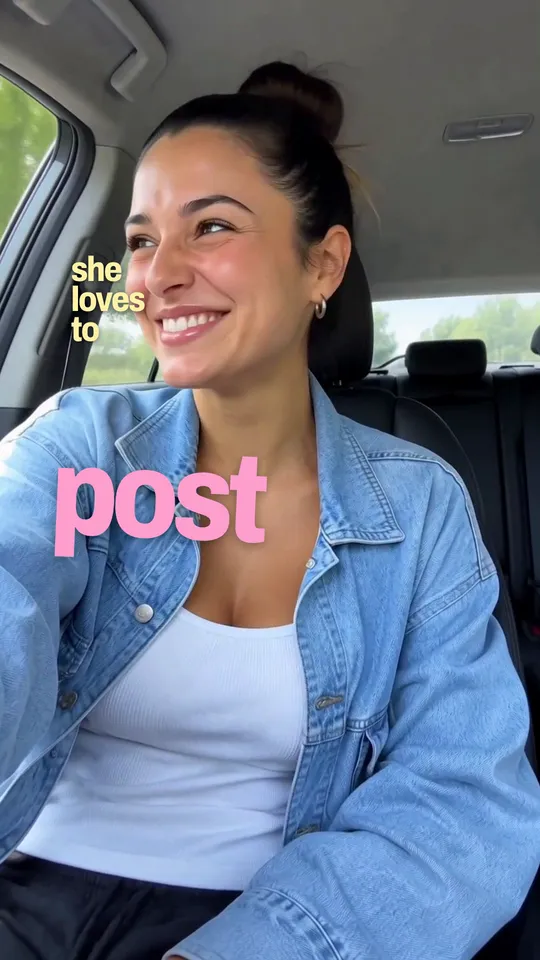
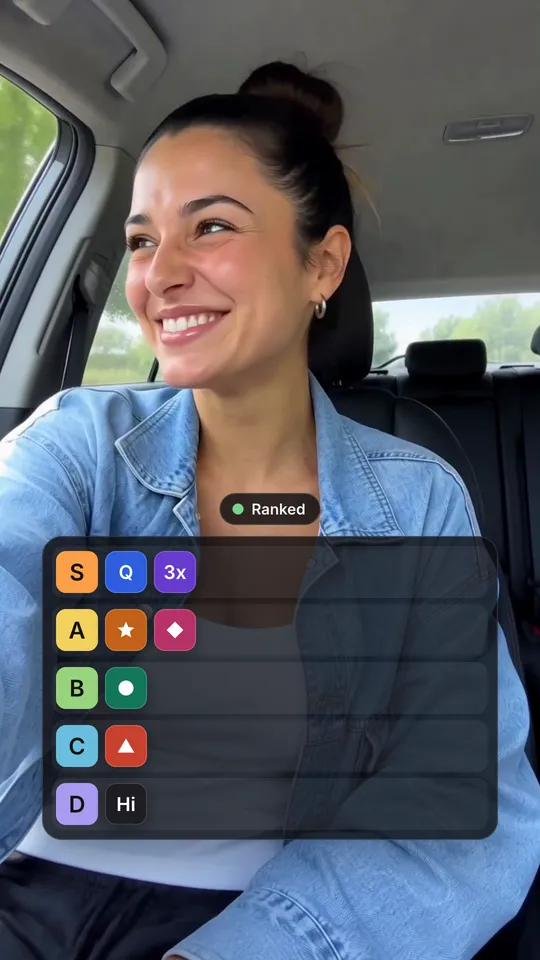
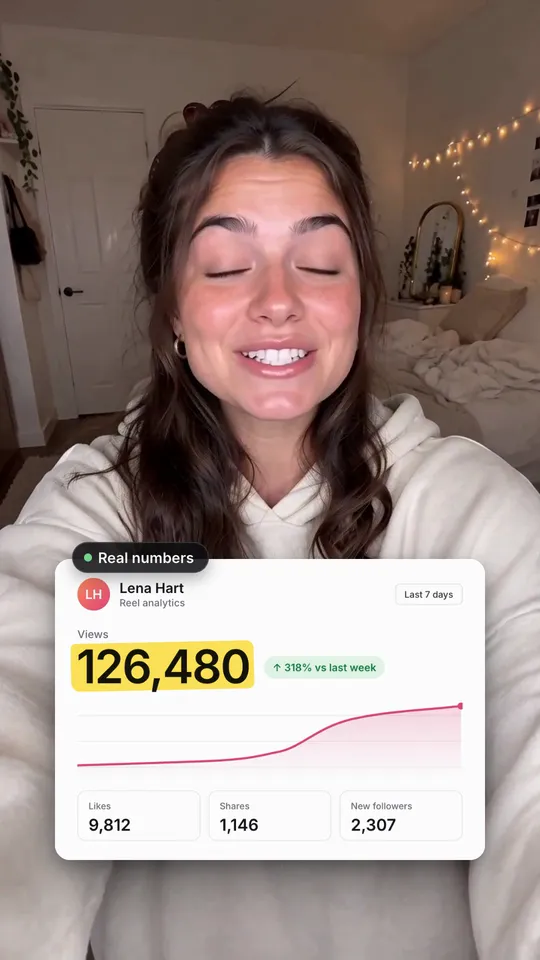
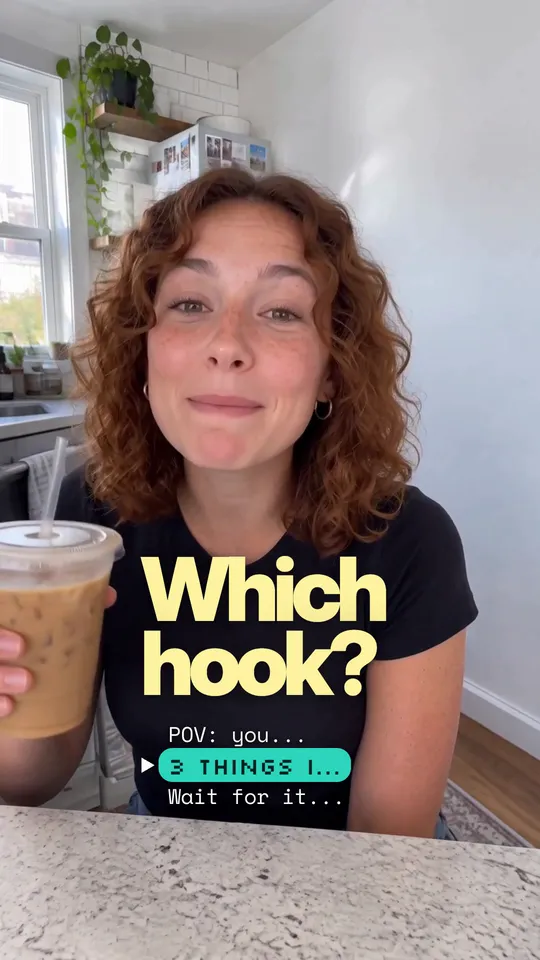
Overlay. A HyperFrames composition (HTML and GSAP) that Takes renders on your Mac and lays over your take, timed to the words you say. It works in 9:16, 4:5, 1:1 and 16:9. The people in the preview are made with AI; they are not real people.