 Takes
Text animation
Words around: a motion graphic for talking-head videos. Copy the prompt, and Takes puts it on your take.
Add Words around from 0:04: "I posted / every day / for 30 days", each word on the beat I say it.
What it does
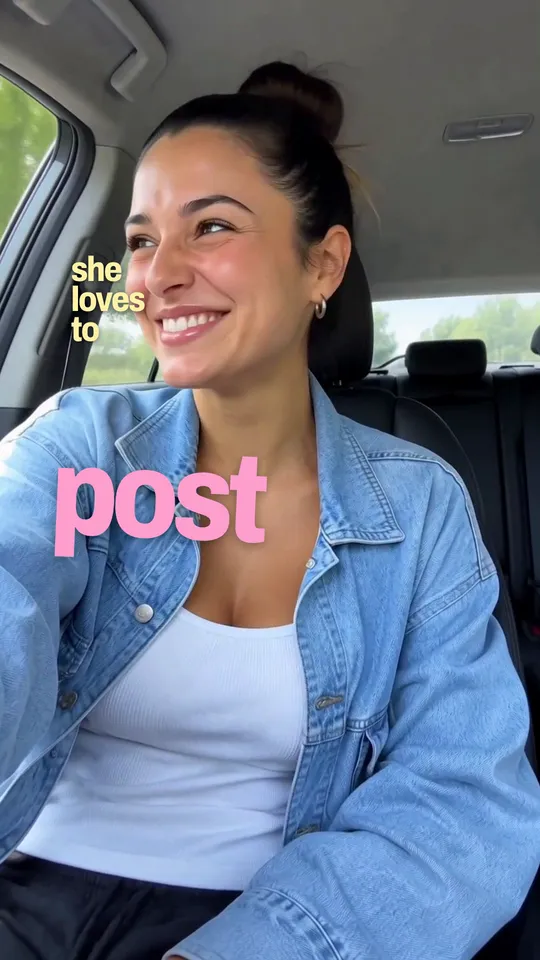
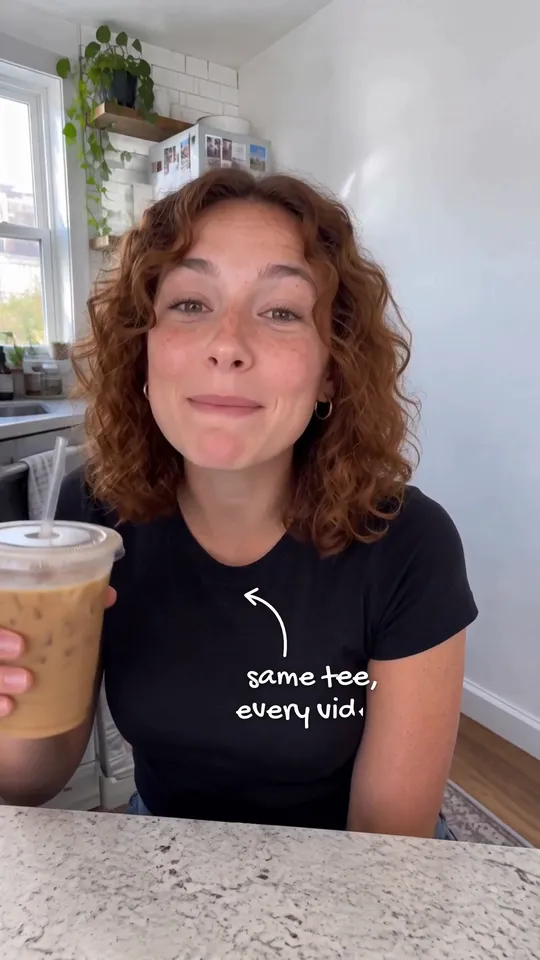
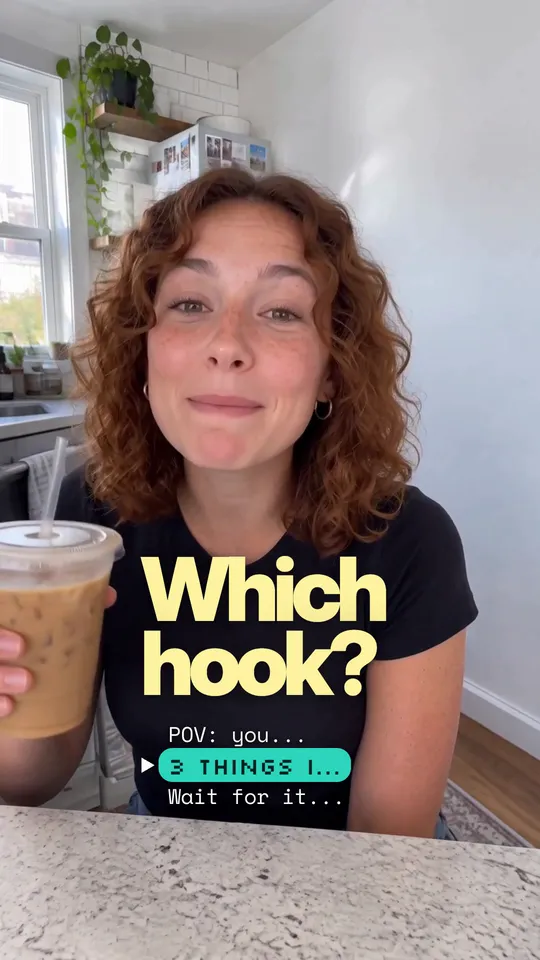
Big white words appear in the empty space around the speaker, one at a time, each rising out of a mask on the beat it is said. In a tall frame they sit under the head, one line flush left and the next flush right; in a wide frame they sit left and right of the head. The footage stays as it is: no darkening, no zoom.
Use it for
How it is made
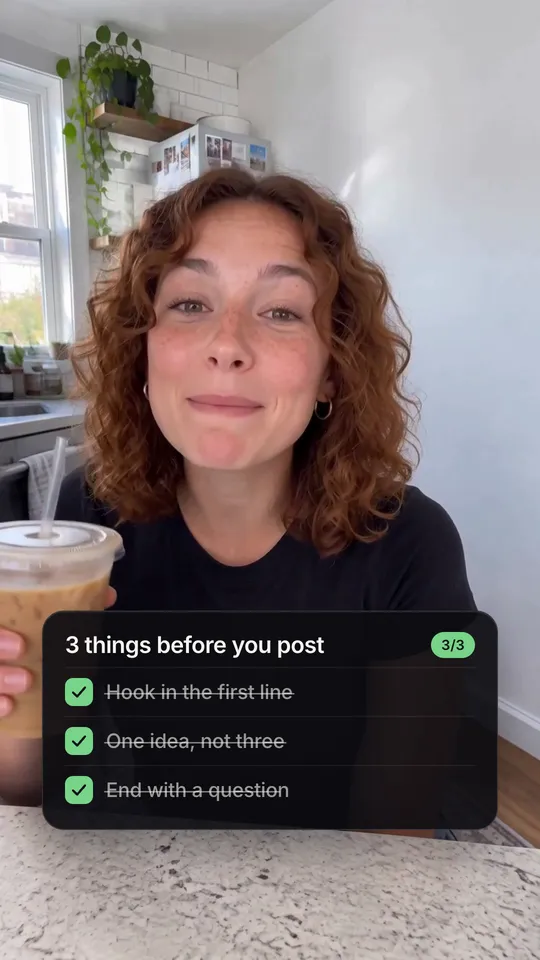
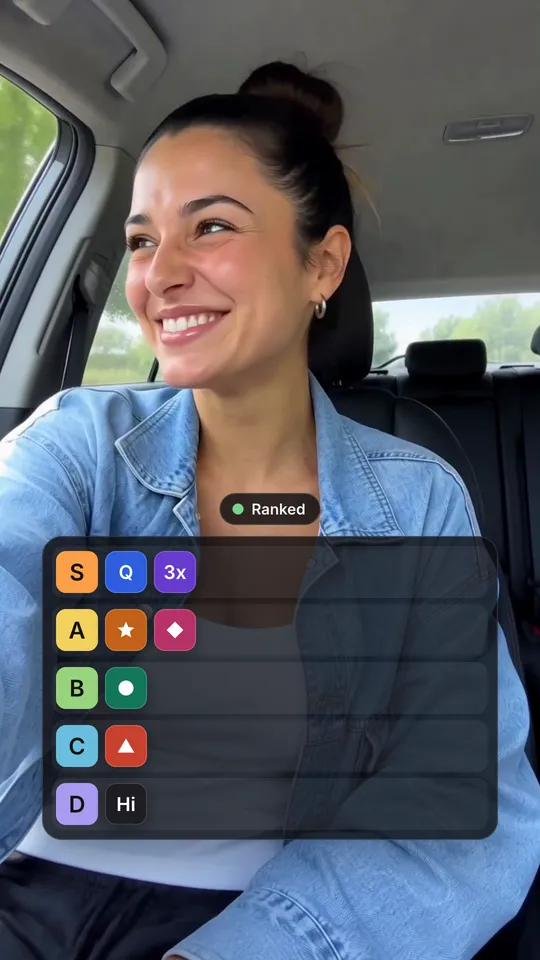
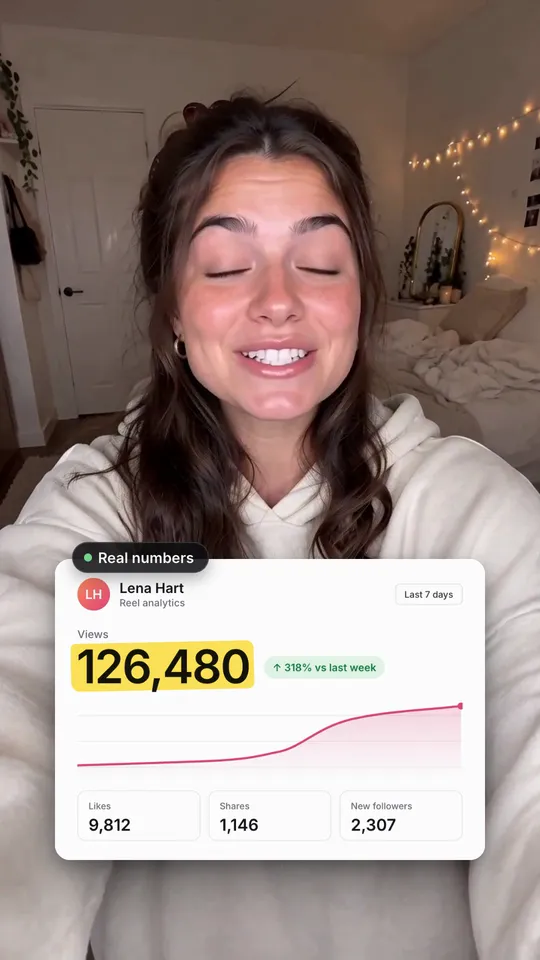
Overlay. A HyperFrames composition (HTML and GSAP) that Takes renders on your Mac and lays over your take, timed to the words you say. It works in 9:16, 4:5, 1:1 and 16:9. The people in the preview are made with AI; they are not real people.