 Takes
Motion › Overlay
Click animation
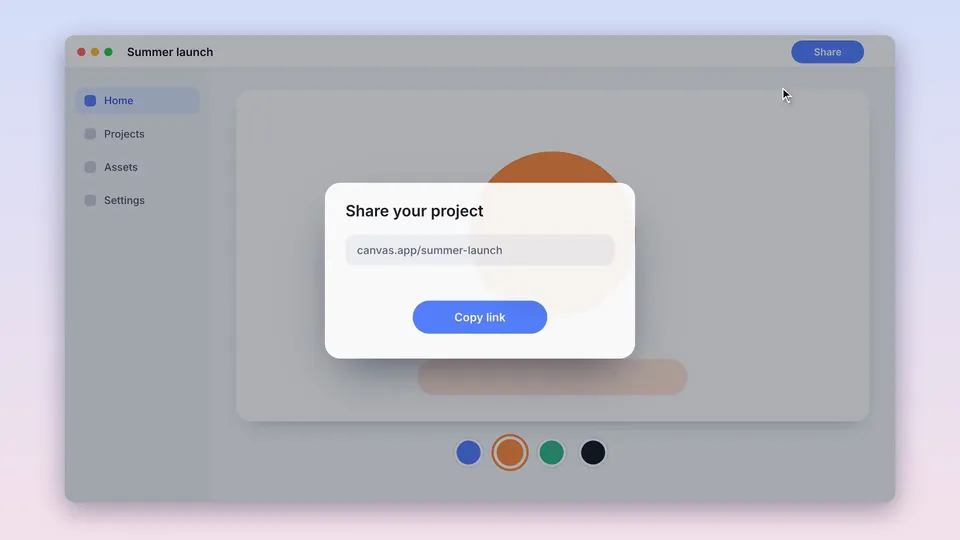
Click ring: a motion graphic for screen videos. Copy the prompt, and Takes puts it on your take.
Preview · 6 s · no sound
Paste in Takes
Add Click rings to every click in my screen take.
Works in the Takes chat, or in Claude Code with the Takes MCP.
What it does
A soft ring opens at each click in a screen recording, right where the pointer clicked, then fades. The real pointer stays as it was recorded. Takes logs every click while it records, so the rings land on the right spot.
Use it for
Screen demosShowing which button you clickedTutorials and bug reports
How it is made
Overlay. A HyperFrames composition (HTML and GSAP) that Takes renders on your Mac and lays over your take, timed to the words you say. It is made for 16:9 screen videos and also works in 9:16, 4:5 and 1:1. It needs a screen recording with a camera take or a click log; Takes records both. The people in the preview are made with AI; they are not real people.