 Takes
Split screen video
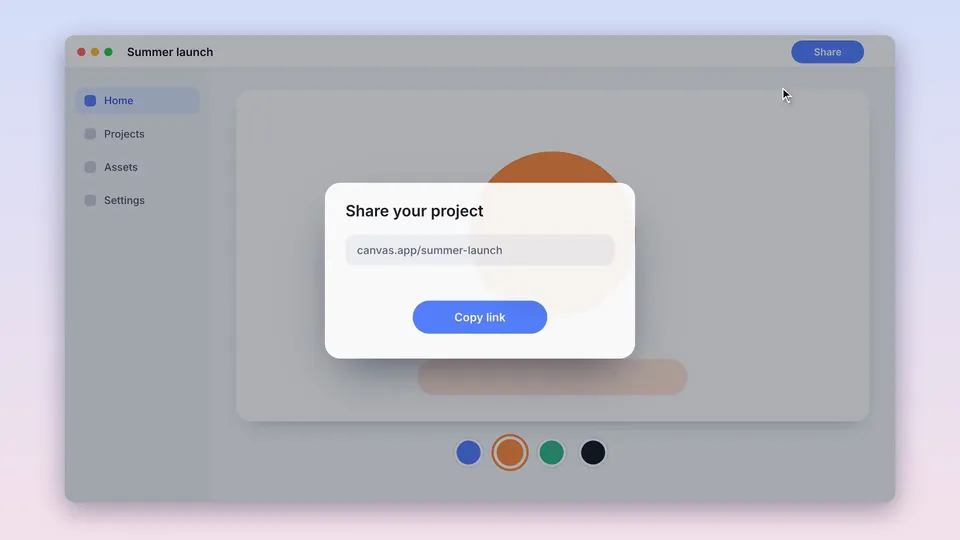
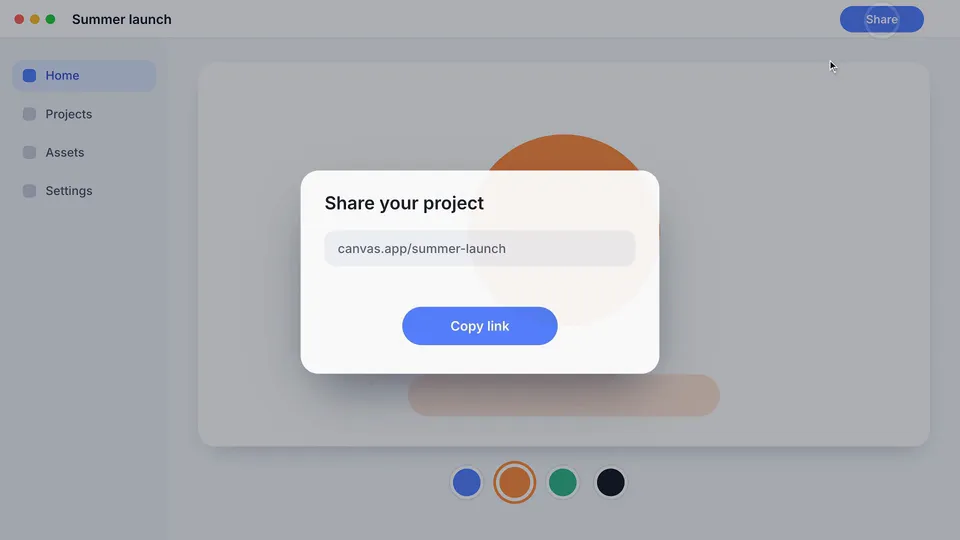
Split screen: a motion graphic for screen videos. Copy the prompt, and Takes puts it on your take.
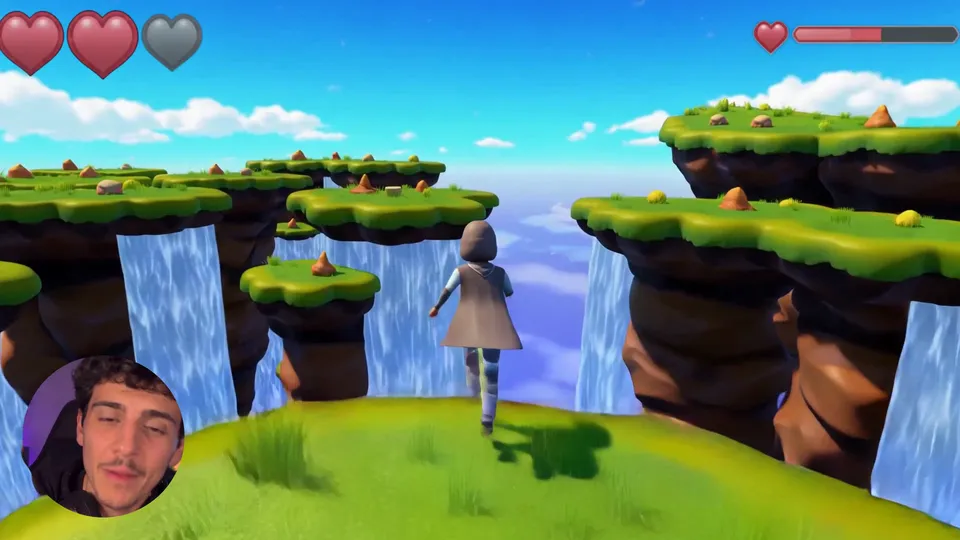
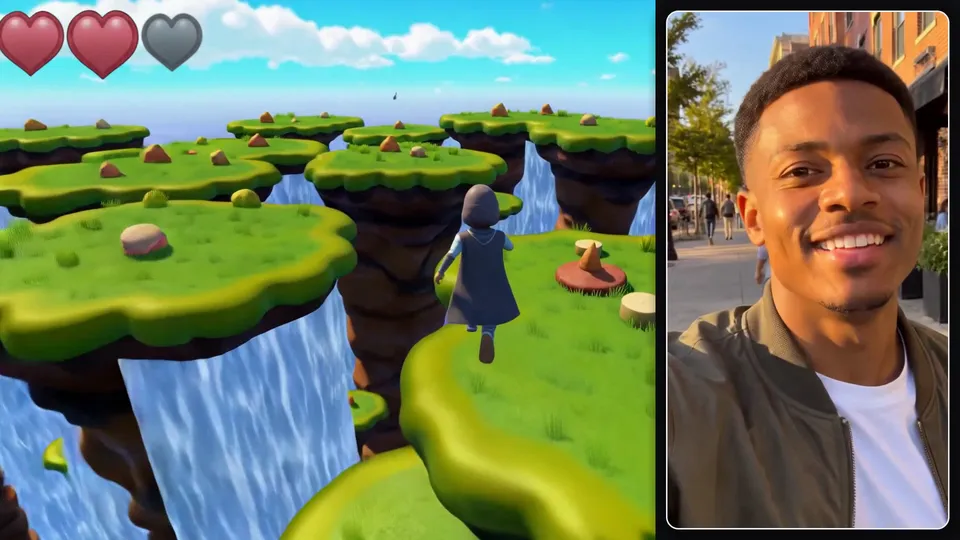
Split the screen from 0:05 to 0:20: me on the left, my gameplay on the right, labelled Me and Game.
What it does
The frame splits: in 16:9 the speaker and the screen recording (or gameplay, or any b-roll) sit side by side; in 9:16 the speaker is on top and the screen below, each with rounded corners and a label chip. Then it returns to full frame.
Use it for
How it is made
Full frame. A HyperFrames composition (HTML and GSAP) that Takes renders on your Mac and lays over your take, timed to the words you say. It is made for 16:9 screen videos and also works in 9:16, 4:5 and 1:1. It needs a screen recording with a camera take or a click log; Takes records both. The people in the preview are made with AI; they are not real people.