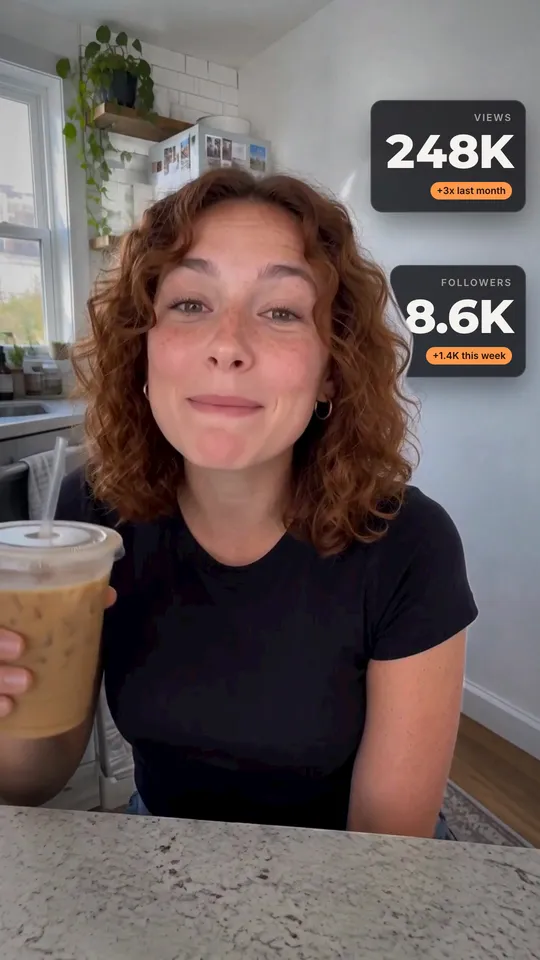
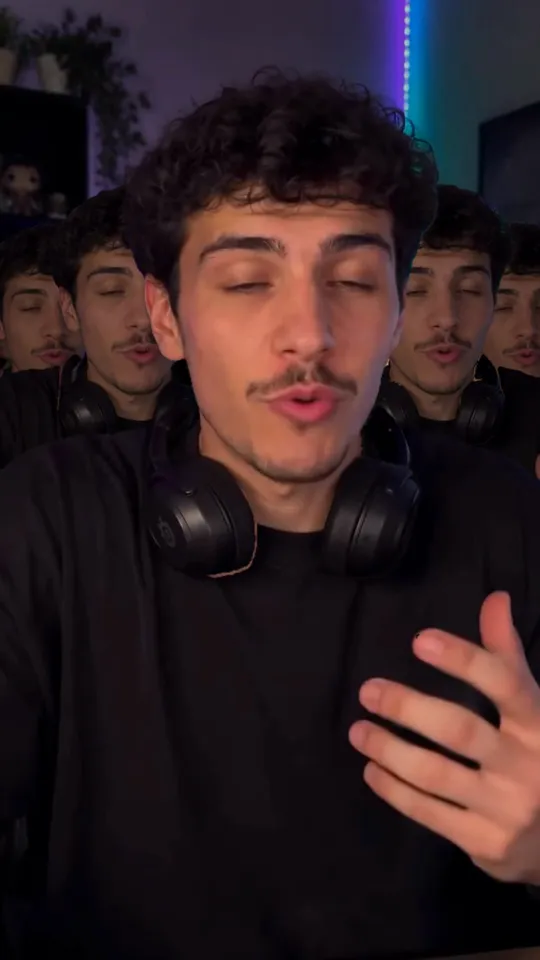
 Takes
Cursor animation
Live cursor: a motion graphic for talking-head videos. Copy the prompt, and Takes puts it on your take.
Add Live cursor at 0:04: a cursor named "Takes" selects me and drags me to the right, then lets go.
What it does
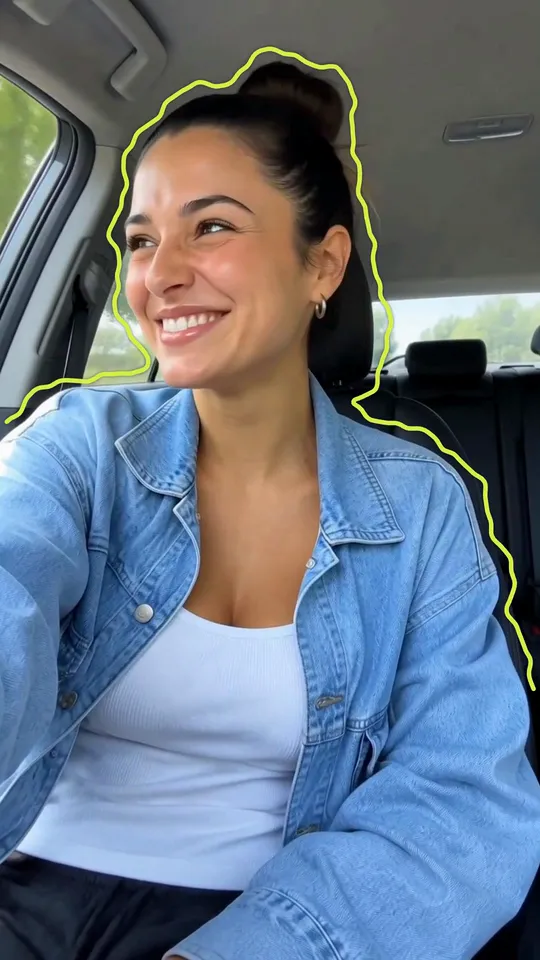
A named cursor flies in and drags a box over the speaker, and the box turns into a design-tool selection: a gold frame, square handles, a badge with the box size and a thin outline round the body. Then the cursor drags the speaker sideways like a layer. A pink guide line flashes as the body passes the centre, and the speaker slides back when the cursor lets go.
Use it for
How it is made
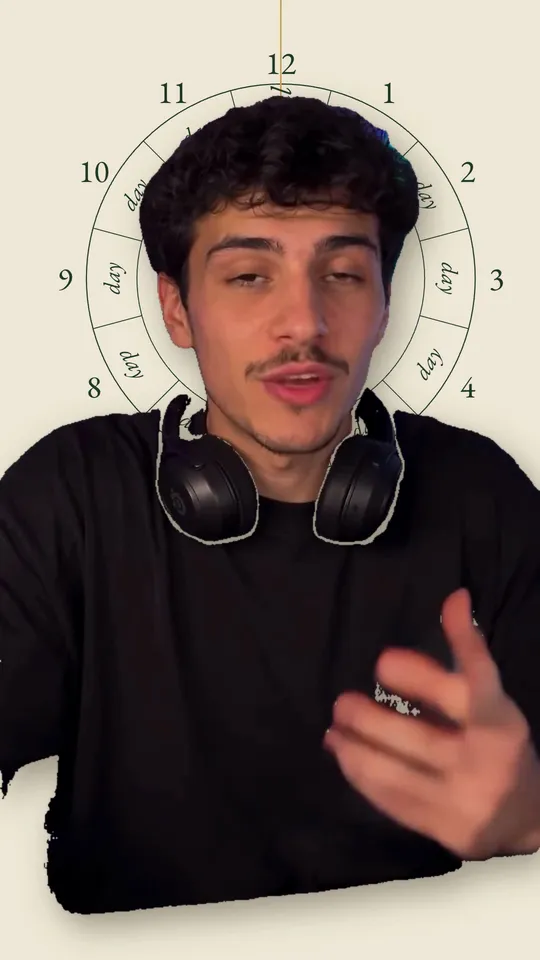
Cut-out. A HyperFrames composition (HTML and GSAP) that Takes renders on your Mac and lays over your take, timed to the words you say. It works in 9:16, 4:5, 1:1 and 16:9. It needs a cut-out of the speaker; Takes makes it on your Mac, no key needed. The people in the preview are made with AI; they are not real people.