 Takes
Text behind person
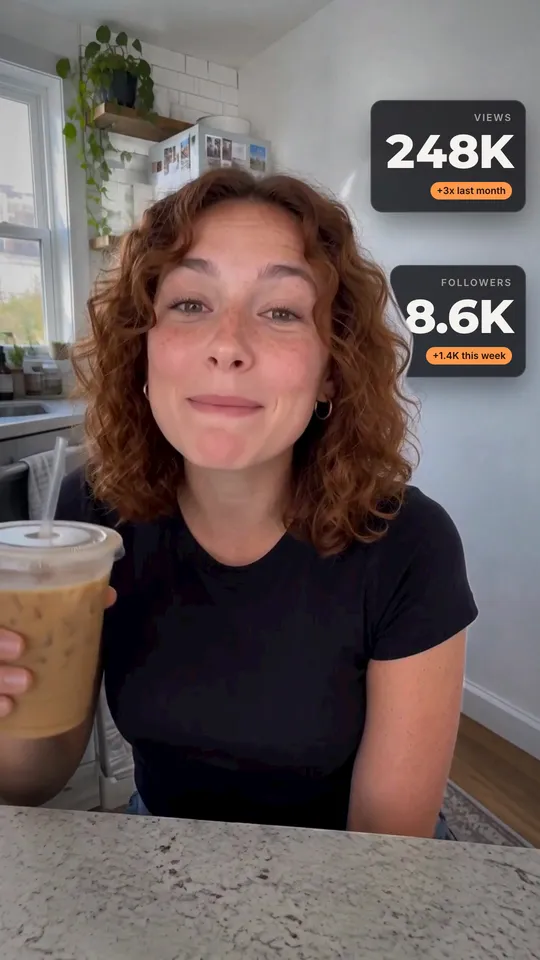
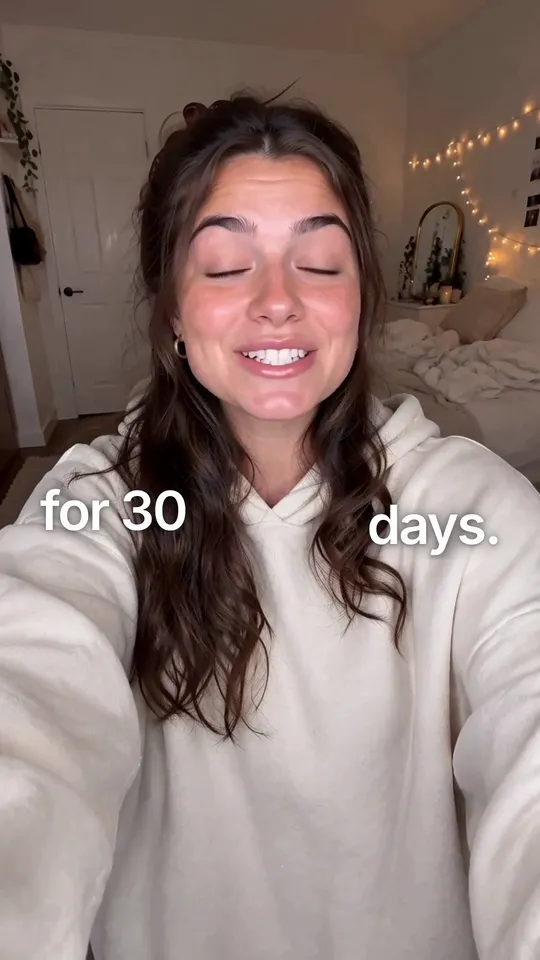
Text behind: a motion graphic for talking-head videos. Copy the prompt, and Takes puts it on your take.
Add Text behind at 0:08 with the word "50K" and "Views this week" above it.
What it does
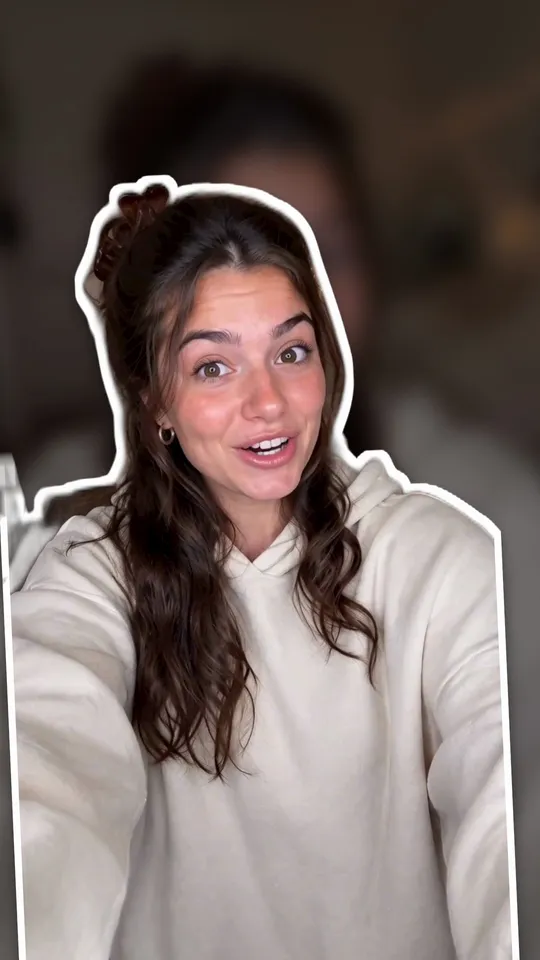
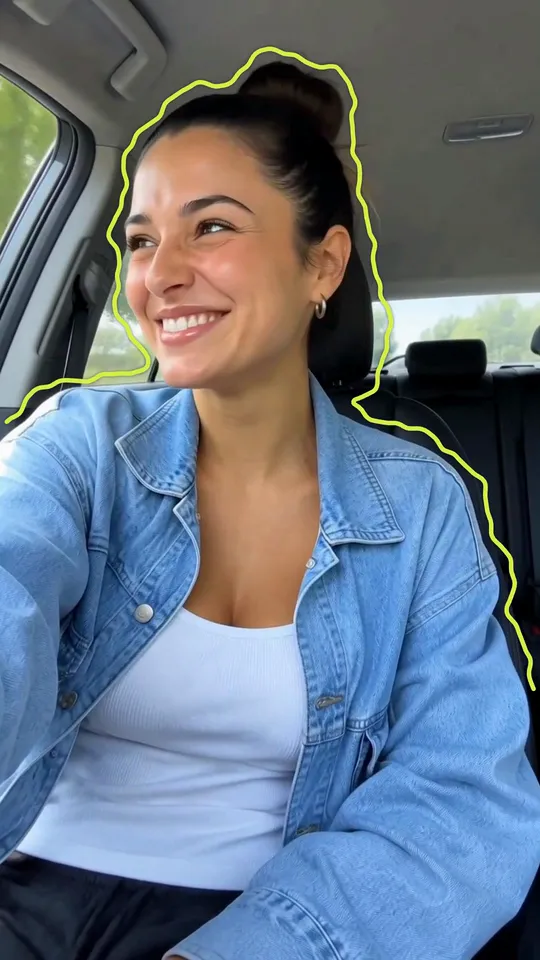
The footage pulls back into a dark frame and a huge word or number rises up behind the speaker's head, with a small accent line above it. The speaker is cut out of the same footage, so the head stays in front of the word. Then the word sinks and the frame returns to full size.
Use it for
How it is made
Cut-out. A HyperFrames composition (HTML and GSAP) that Takes renders on your Mac and lays over your take, timed to the words you say. It works in 9:16, 4:5, 1:1 and 16:9. It needs a cut-out of the speaker; Takes makes it on your Mac, no key needed. The people in the preview are made with AI; they are not real people.