
Takes Add captions on Mac
Add captions to a video on your Mac, automatically.
Record your video in Takes for Mac, then type “add captions”. Takes times each word and burns the captions into a new copy.
Add captions

How
How to add captions in Takes.
-
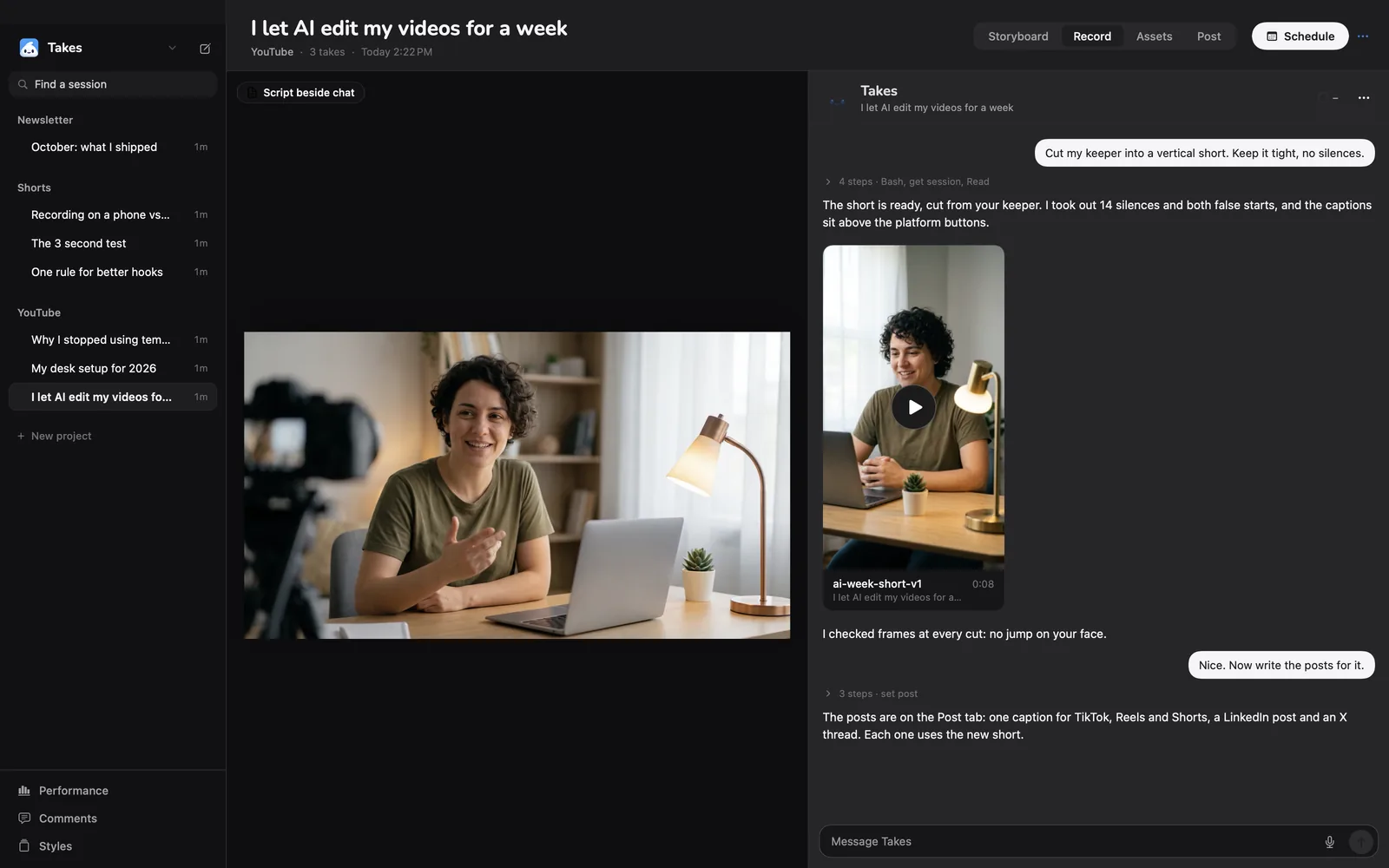
1Record your take
Read your script from the teleprompter, or just talk.
-
2Ask the chat
Type “add captions”. Add “and cut the pauses” to do both.
-
3Takes times each word
A transcript made on your Mac gives each word its time. These are real ones.
-
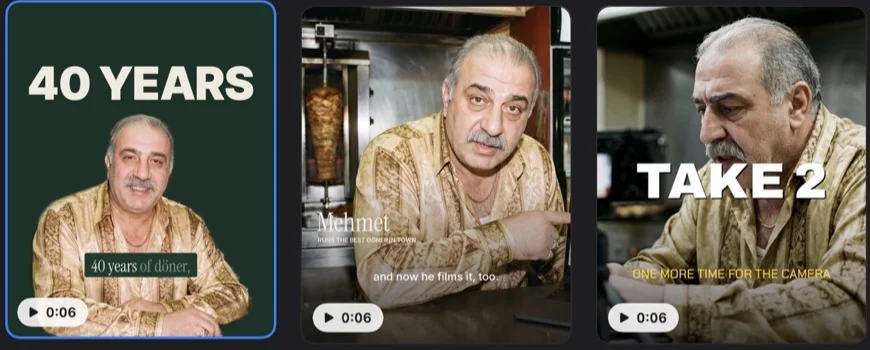
4Pick a look
Bigger, another colour, another style? Say so, and Takes makes a new version.
Compare
Takes, Descript and CapCut.
| Takes for Mac | Descript | CapCut | |
|---|---|---|---|
| Automatic captions | Yes, when you ask | Yes, dynamic captions on all plans | Yes, auto captions |
| Price | Free, open source (MIT) | Free plan exports 720p with a watermark; paid plans from $16 a month (yearly) | Free download |
| How you change the look | Ask in words, or pick a style | Caption presets and an editor | Templates and an editor |
| Needs | An agent on your own plan: Claude Code, Codex or pi | A Descript account | The CapCut desktop app |
| Runs on | Mac only, Apple silicon | Mac, Windows, the web | Mac and Windows |
Descript facts from descript.com/pricing, CapCut facts from capcut.com/tools/auto-caption-generator, checked 2026-10-21. Takes facts from its source.
Get started
Paste one line, or download.
The line installs Takes and ffmpeg, finds your agent (Claude Code, Codex or pi) or installs Claude Code, signs you in and opens the app. Run it again to update. Rather click? Download the .dmg, drag Takes to Applications, then click Finish setup in the sidebar.
Questions
Caption questions.
Can I add captions to a video on a Mac for free?
Yes. Takes is free and open source, with no account and no watermark. The edit runs on an agent you already have: Claude Code, Codex or pi, on your own plan.
Are the captions burned into the video?
Yes. Takes burns them into a new copy of the edit, so they show on LinkedIn, Reels, Shorts and X without a separate file. Your take stays as it is.
Do the captions match my words?
Yes. Takes makes a transcript on your Mac with the time of each word, and each caption shows while you say it.
Can I change how the captions look?
Yes. Pick a style, or ask in plain words: “bigger, yellow, two words at a time”. Takes renders a new version.
Does it work for vertical video?
Yes. When you review a 9:16 edit, you can lay the TikTok, Reels and Shorts safe zones over it and see if a button covers a caption.
More about Takes