Cuts the silences, ums and restarts
Every cut sits in a real pause, never in a word. It keeps your last clean try.
 Takes
Takes
Takes AI video editor
Ask in plain words. Takes cuts the silences, the ums and the restarts, reframes to 9:16 and adds captions. Point at a frame to fix it.
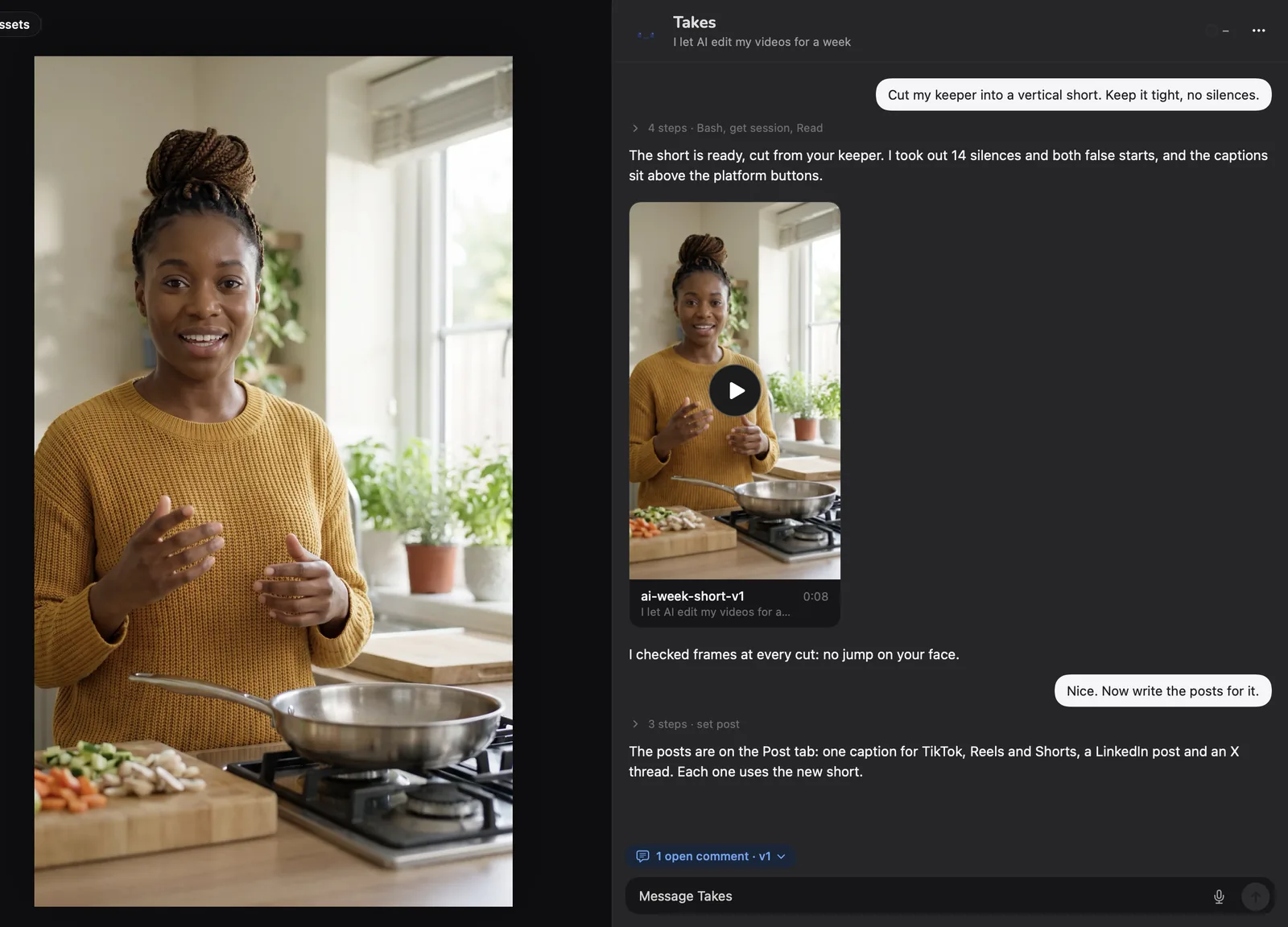
In the app
The chat sits beside your video. Say what you want; Takes does the steps and puts the new version in the chat.
What it does
Every cut sits in a real pause, never in a word. It keeps your last clean try.
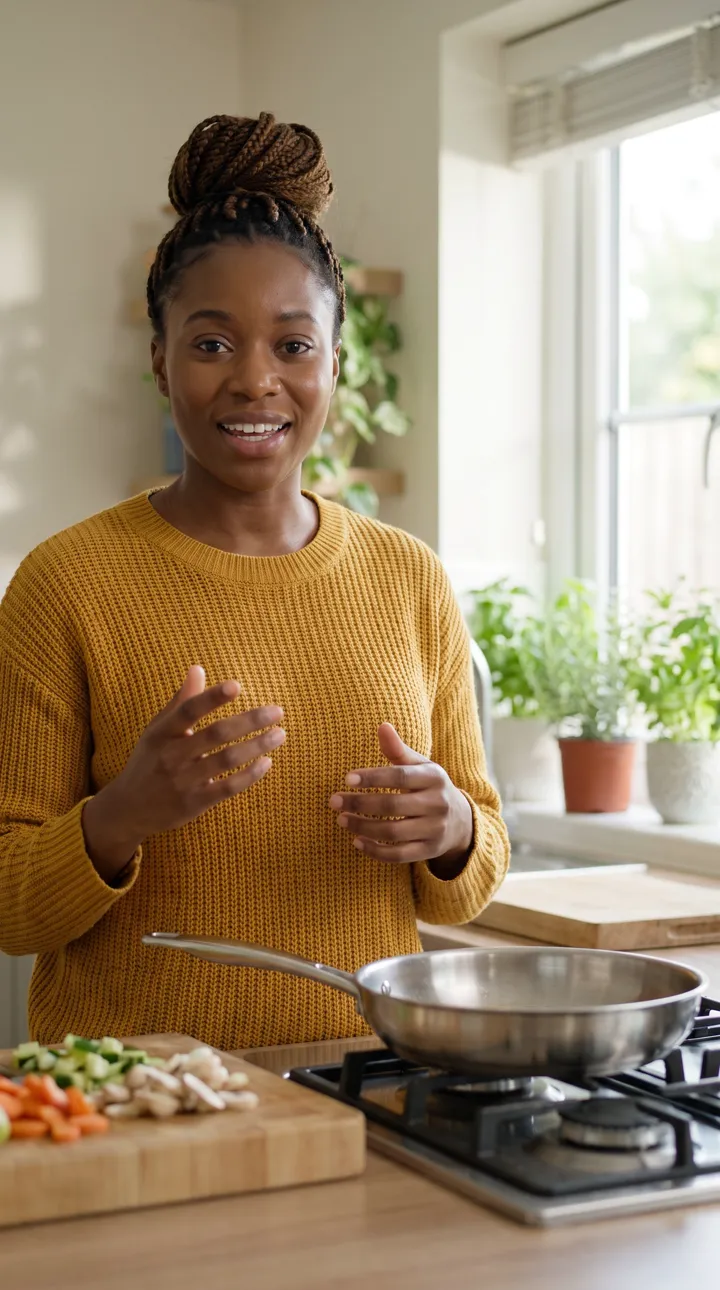
It crops around you, not the middle of the frame.
From the word times of the final cut. Burned in or .srt.
Less noise, steady level, ready to post.
It dips while you talk.
From the frames you saved while you watched.
Mark a frame, say what's wrong. Get a new version.
Feedback
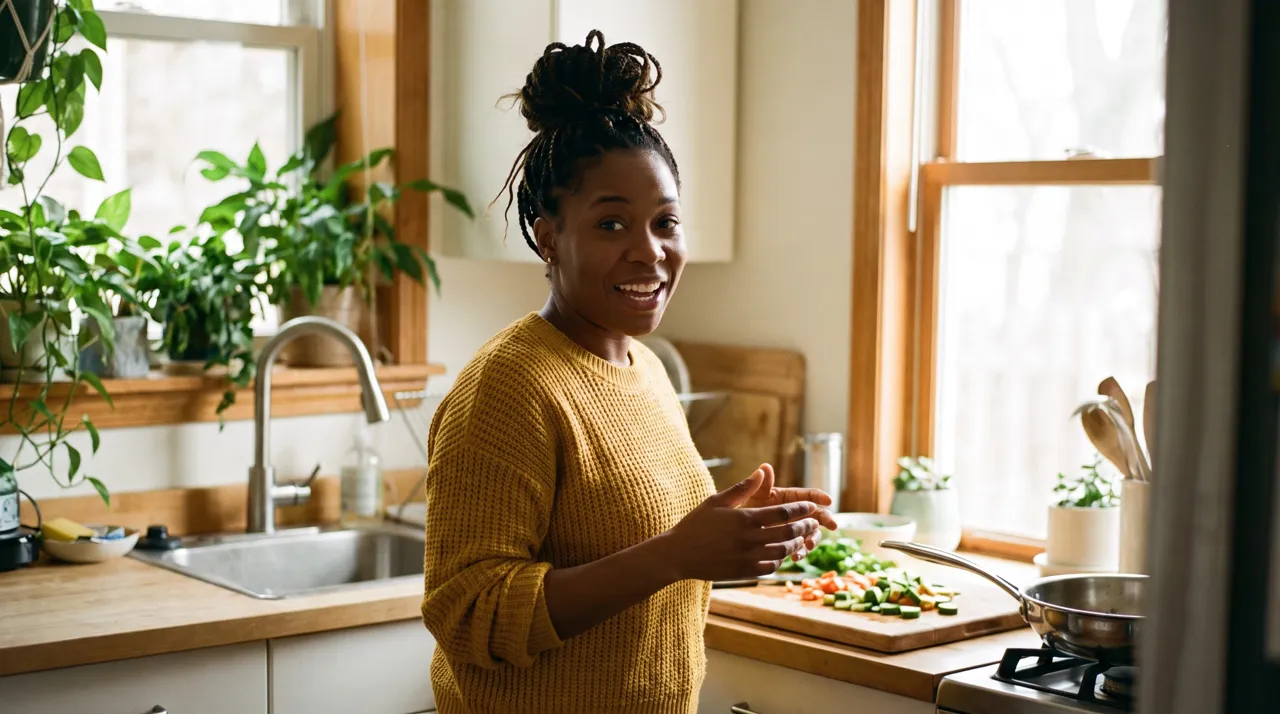 I let AI edit my videos
Comment on the framePick the moment, mark the area, type the note.
Takes fixes itA new version, and a reply that says what changed.
Your style learnsThe fix becomes a rule for every next edit.
Fewer notes each timeThe next video starts from your rules.
Post
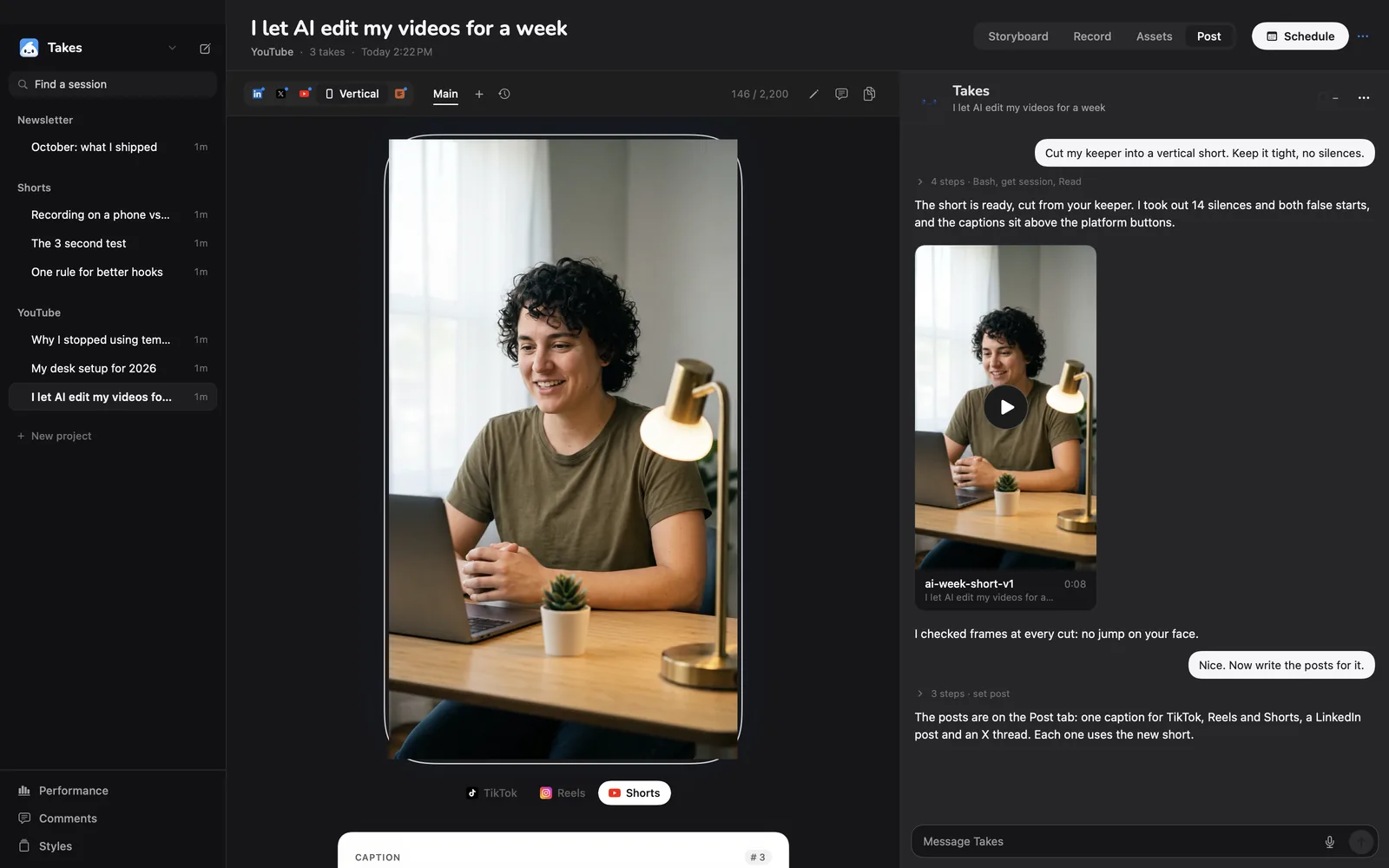
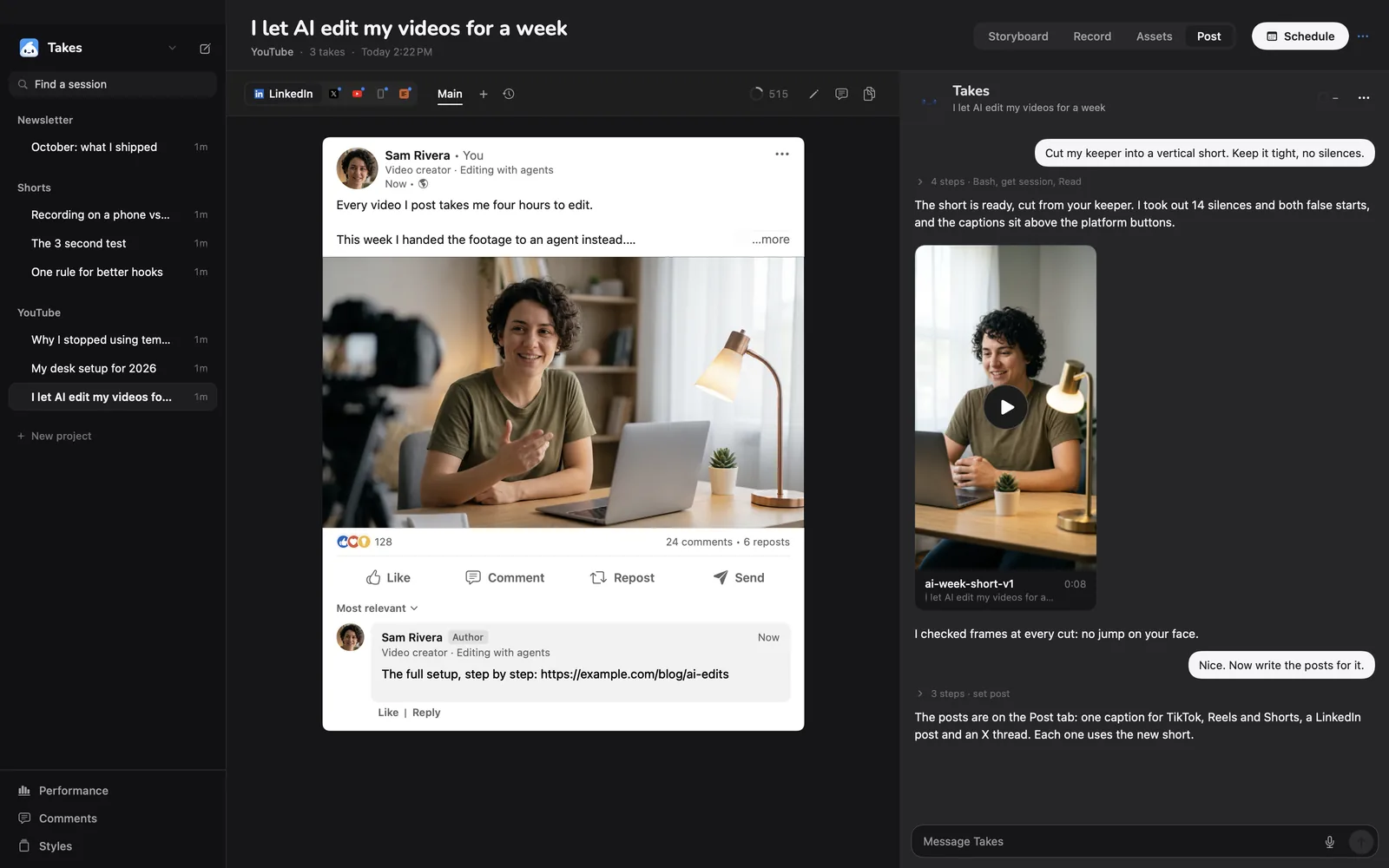
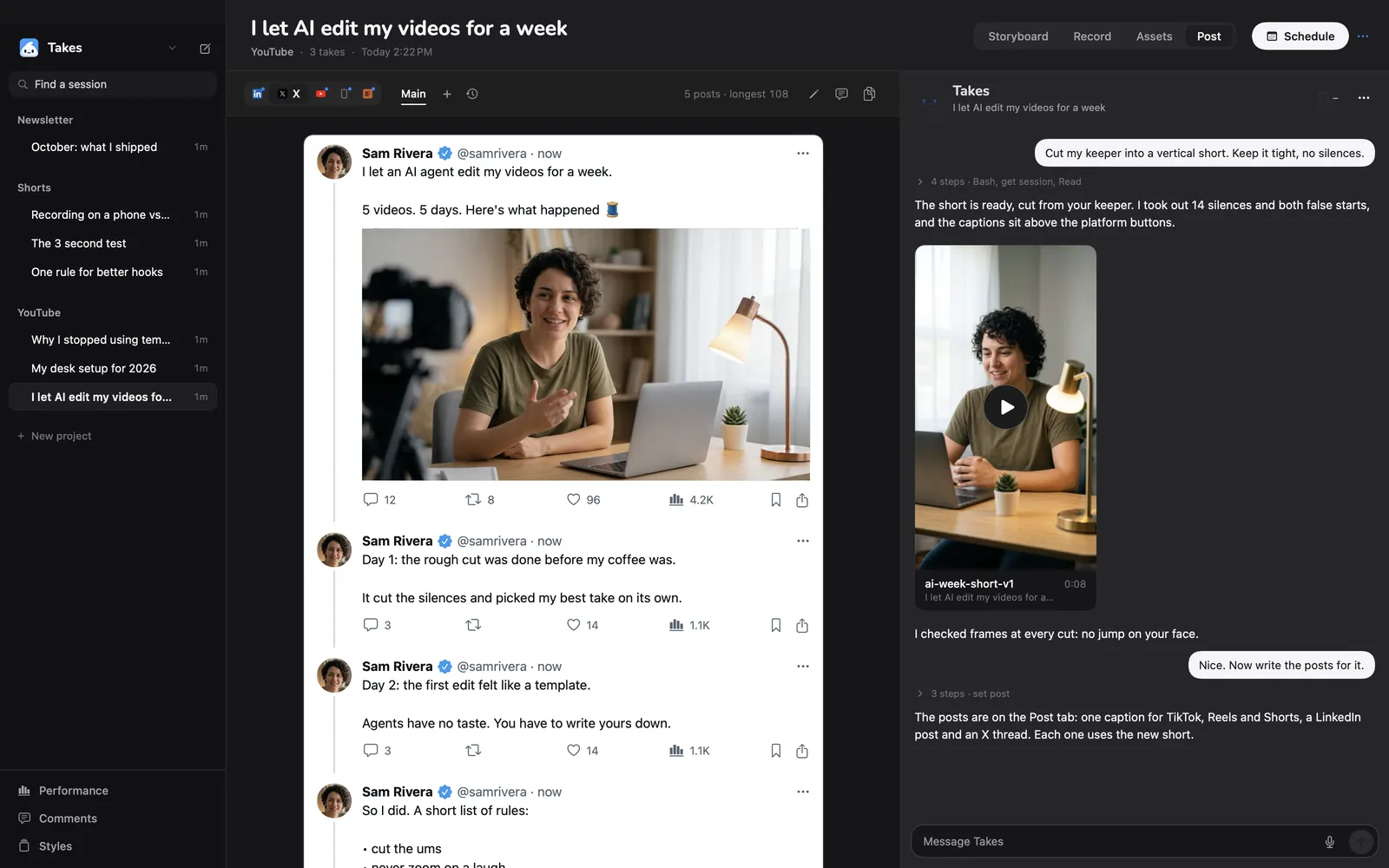
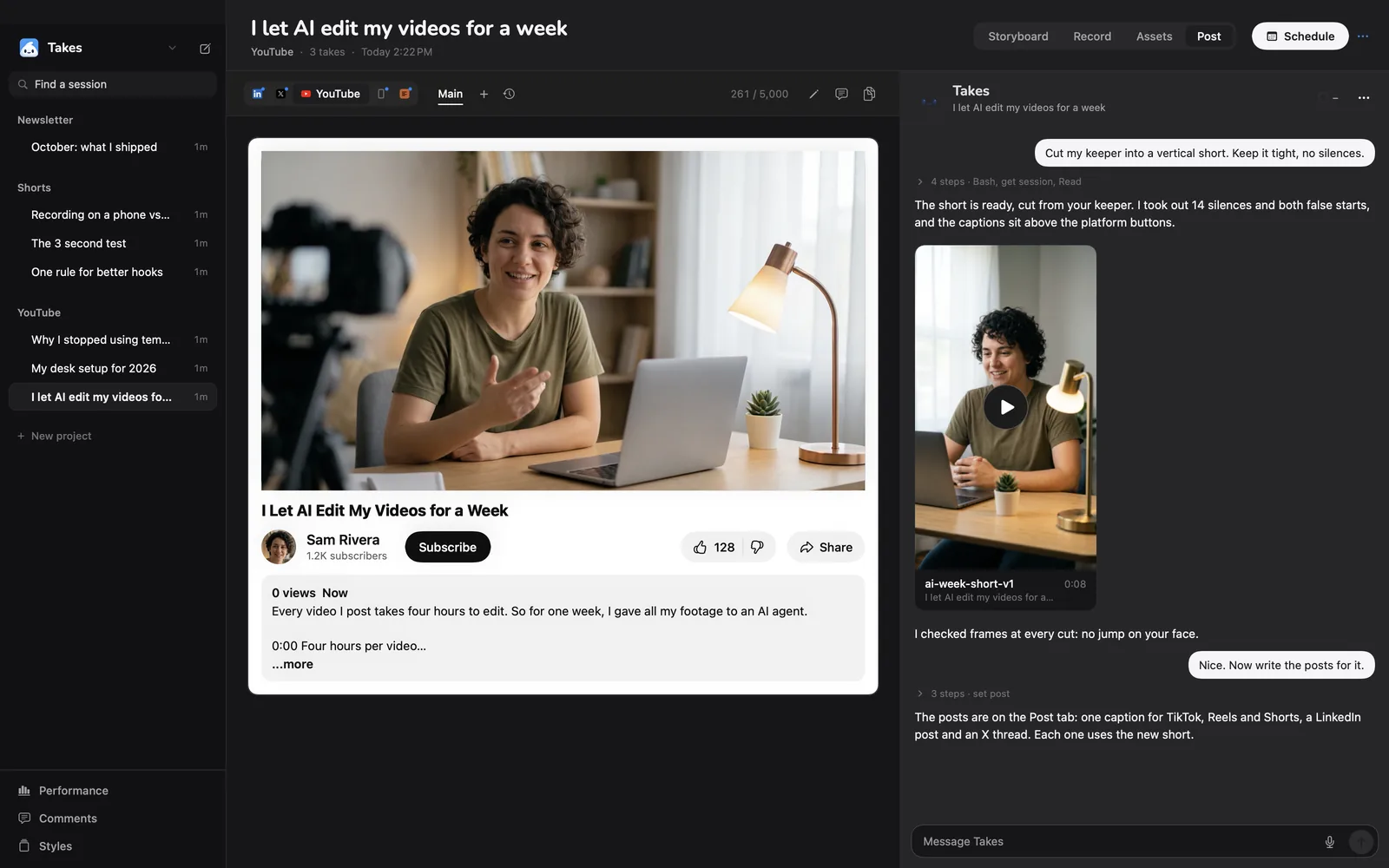
Ask for them in the same chat. Each one uses the new edit, and the Post tab shows it the way it will look.
Is it for you?
Guide
What happens when you ask, and how to get the edit you want.
The chat in Takes is Claude Code, running on your Mac with your Claude plan. When you ask for an edit, it reads the video's folder: the script, the starred take and your style. Then it works the way an editor would:
Each edit is a new file, name-v1.mp4, name-v2.mp4 and so on, in the video's edits folder. Nothing gets overwritten, and your takes are never changed.
Talk to it like you would talk to an editor. Some asks that work well:
You can also ask from any terminal with Claude Code: "cut my last Takes take".
Play the edit in Takes. When something is wrong, pick the moment, drag a box around the area and type a note, for example "the crop cuts my head off here". Takes makes a new version and replies with what it changed.
The fix is saved as a rule in your style: how long a pause may be, where captions sit, how loud the music is. Every next edit reads those rules first, so you write fewer notes each time.
Your videos stay in ~/Movies/Takes on your Mac. ffmpeg and Whisper run on the Mac too. Claude Code sees what it needs to plan the edit: the script, the transcript and the still frames it checks. Like any Claude chat, that goes to Anthropic under your own account.
Takes has no account and no bill of its own. The edits use your Claude Pro or Max plan, so there is no price per minute and no credits to buy.
Takes is narrower than a full editor, on purpose. It is for one person talking to a camera.
Takes records the video too, and edits when you ask. Many people use both: Takes for the rough cut, captions and the vertical clip, a timeline editor for a final polish. Takes saves plain .mp4 and .mov files, so any editor opens them.
Said the wrong number? With your own ElevenLabs key (Takes › Settings › Voices), Takes can say the right words again in your voice and cut them in. Your lips won't move with the new words, so it works best over b-roll or a screen shot. The same key lets you make a voice-over from your script.
Get started
It installs Takes, ffmpeg and Claude Code, signs you in and opens the app. Run it again to update.
Questions
The app is free and open source. The AI edit runs on your own Claude plan through Claude Code, which needs Pro or Max. Takes adds no fee and sells no credits.
Yes. It finds ums, uhs, long pauses and restarts from a word-by-word transcript, and cuts each one inside a real pause so no word gets clipped.
Yes. It builds captions from the word times of the final cut: short lines, low on the screen, clear of your face. It burns them in, or gives you an .srt file.
Yes. Ask for a 9:16 version. It crops around your face and keeps your head and shoulders in every shot.
Yes. Ask the chat to import a phone video, a QuickTime recording or a download into a video in Takes, then ask for the edit.
No. The video files stay on your Mac, and ffmpeg and Whisper run there. Claude Code sees the script, the transcript and the still frames it checks.
Yes. Every edit is a plain video file in the video's edits folder. Open it in any editor.
No. You ask in plain words in the chat, and comment on frames to change things.
More about Takes