Speed, mid-take
↑ and ↓ while you record.
 Takes
Takes
Takes Teleprompter
Read your script. The camera records. Star the best take. Free, open source, no account.
I changed one thing on my desk this year, and my videos got better.
It's not the camera. It's where the script sits.
When the words are right under the lens, your eyes stay on the viewer.
So here's my setup for 2026, in three parts.
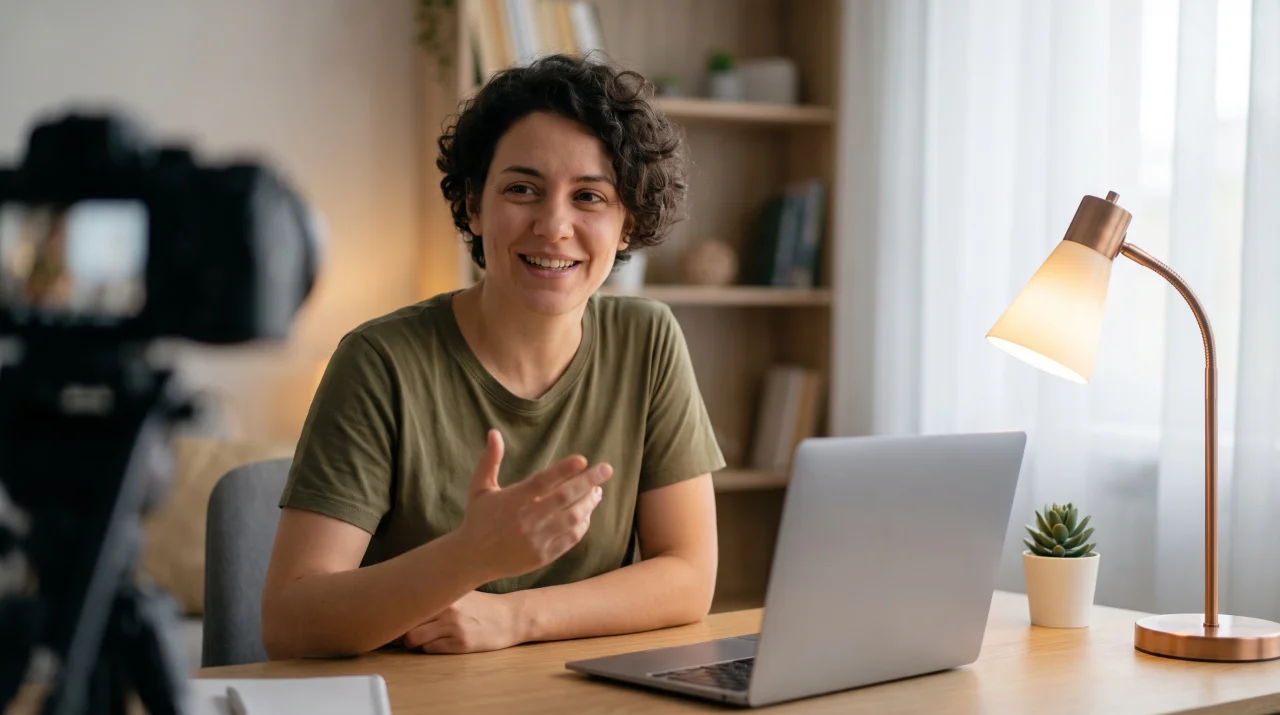
First, the light. One soft lamp, to the side, a little above my face.
Second, the sound. A small mic, close, out of the shot.
Third, the script. I read it here, and I record right here.
 Camera
Try it: ↑↓ speed · Space pause
How it works
Paste it, type it or let the chat write it.
Text from 14 to 96 pt.
3, 2, 1. The page goes dark and the camera rolls.
Record again and again. Keep the best.
Cameras
↑ and ↓ while you record.
Eyes there, you look close to the lens.
A few openings. Read the one you like.
Edit freely. History keeps the rest.
Tips
Put the words under the lensMove the window to the top of the screen.
Write the way you talkShort sentences. Fix every line you stumble on.
Go slower than you thinkWaiting? Press ↑. A pause looks calm.
Record the hook three timesThen read the rest in one go.
Bigger text, sit backYour eyes move less from line to line.
Is it for you?
Guide
The full walk-through, from where to put the window to what happens after the take.
A teleprompter works when the words are close to the lens. On a MacBook or an iMac, the camera is at the top of the screen. Move the Takes window to the top too, so the reading mark sits just under the camera.
Sit at arm's length or a little farther. The farther you sit, the less the viewer sees your eyes move from line to line.
People hear a script, they don't read it. Write the way you talk: short sentences, one idea in each, and simple words. Read it out loud once before you record. If you stumble on a line, change it.
In Takes the prompter is also the editor, so you fix a line in the same place you read it. Every change is kept in the history, so you can go back to an old version. You can also ask the chat to write a first draft, make a script shorter, or give you a few opening lines to choose from. Each opening becomes a tab: read the one you like best.
Most people talk at about 130 to 160 words a minute. A good prompter speed is the one where you never wait and never rush. Start slower than you think: a short pause on camera looks calm, but racing to catch up does not.
Takes scrolls at a fixed speed that you set. Press ↑ or ↓ during the take to go faster or slower, and Space to pause. Make the text 14 to 96 points. Large text lets you sit back, and then your eyes move less.
Press ⌘R. A 3-2-1 countdown starts, then the text scrolls and the camera records. During the take the prompter goes dark, so a bright white page does not light up your face.
Don't aim for one perfect take. Record the first lines, the hook, three times with different openings. Then read the rest in one go. Star the best take and move on. Every take is a .mov file in ~/Movies/Takes, one folder per video, with the script saved as Markdown next to it.
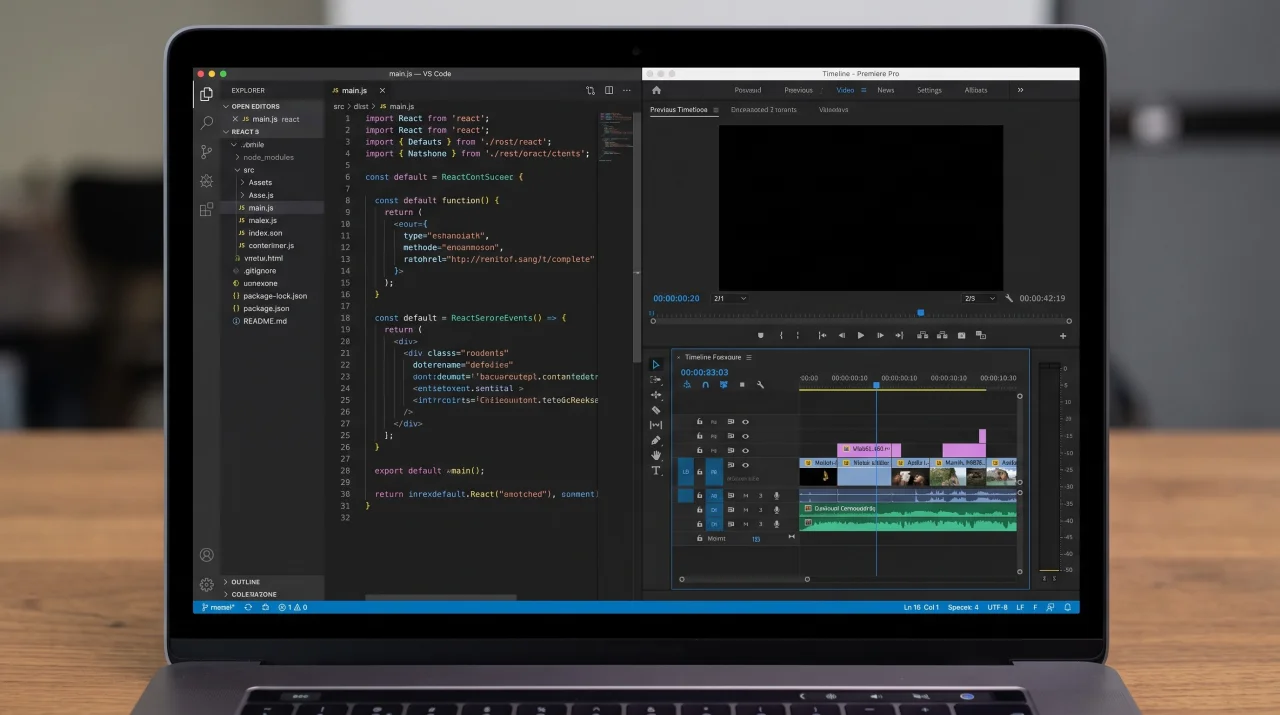
For a tutorial or a product demo, record the camera and the screen at the same time. Takes saves them as two synced files, so in the edit you can show the screen full size with your face in a corner, or cut between the two.
The teleprompter is one part of Takes. With Claude Code, Takes also storyboards the video, cuts the edit and drafts the posts for LinkedIn, X, YouTube and Shorts. See everything Takes does.
Get started
It installs Takes, ffmpeg and Claude Code, signs you in and opens the app. Run it again to update.
Questions
Yes. Takes is free and MIT licensed, with no account and no watermark. The code is public on GitHub.
No. It scrolls at a speed you set. Press ↑ or ↓ during a take to go faster or slower, and Space to pause.
The Mac's built-in camera, an iPhone through Continuity Camera, and USB cameras. Hold the iPhone upright and Takes records a vertical 1080×1920 video.
Takes is made to work with Claude Code: it writes scripts and hooks, cuts the edit and drafts the posts. Claude Code needs a paid Claude plan (Pro or Max). The installer sets it up and signs you in.
Not today. Takes shows the script on the Mac screen, next to the camera preview. For a beam-splitter rig, use an app that mirrors text.
Into ~/Movies/Takes on your Mac, one folder per video. Each take is a .mov file; the script is a Markdown file next to it.
Put the text right under the camera. Move the Takes window to the top of the screen and keep your eyes on the reading mark. Use large text and sit back, so your eyes move less from line to line.
As fast as you talk. Most people talk at about 130 to 160 words a minute. Start slow, then press ↑ or ↓ during the take until you never wait and never rush.
Yes. Takes records the camera and the screen as two synced files, for tutorials and product demos.
Yes. Use an iPhone as the camera through Continuity Camera and hold it upright. Takes records a vertical 1080×1920 video.
⌘R starts a take with a 3-2-1 countdown. ↑ makes the text faster, ↓ makes it slower, and Space pauses.
No. Takes needs a Mac with Apple silicon and macOS 15 or later.