 Takes
Motion › Cut-out
Rack focus
Rack focus: a motion graphic for talking-head videos. Copy the prompt, and Takes puts it on your take.
Preview · 3 s · no sound
Paste in Takes
Add Rack focus from 0:10 to 0:14, blur the room and push in slowly, then rack back.
Works in the Takes chat, or in Claude Code with the Takes MCP.
What it does
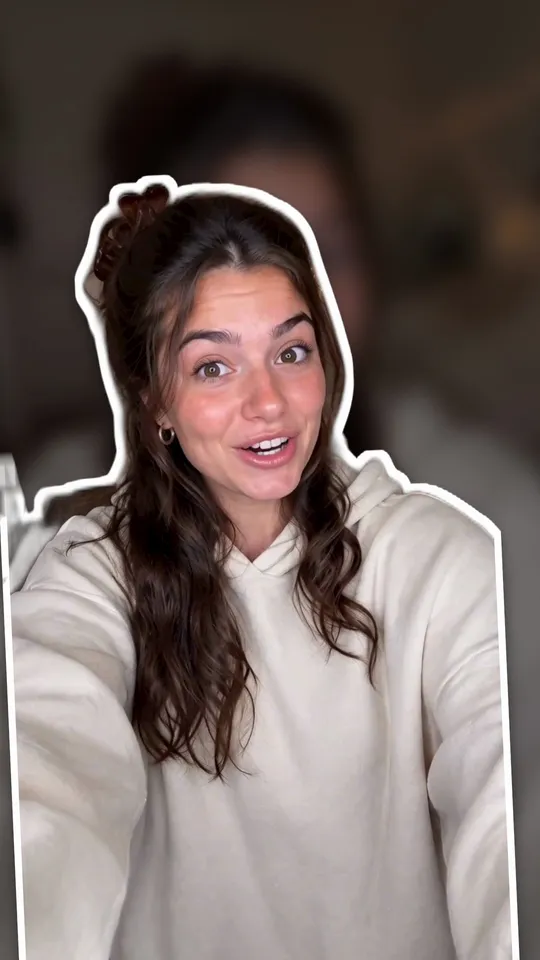
A lens pull without the lens: the room behind the speaker slides out of focus and darkens a little while the speaker stays sharp, with a slow push in. Then the room comes back into focus.
Use it for
A serious or personal linePulling attention to what you say nextMaking a phone shot look like a fast lens
How it is made
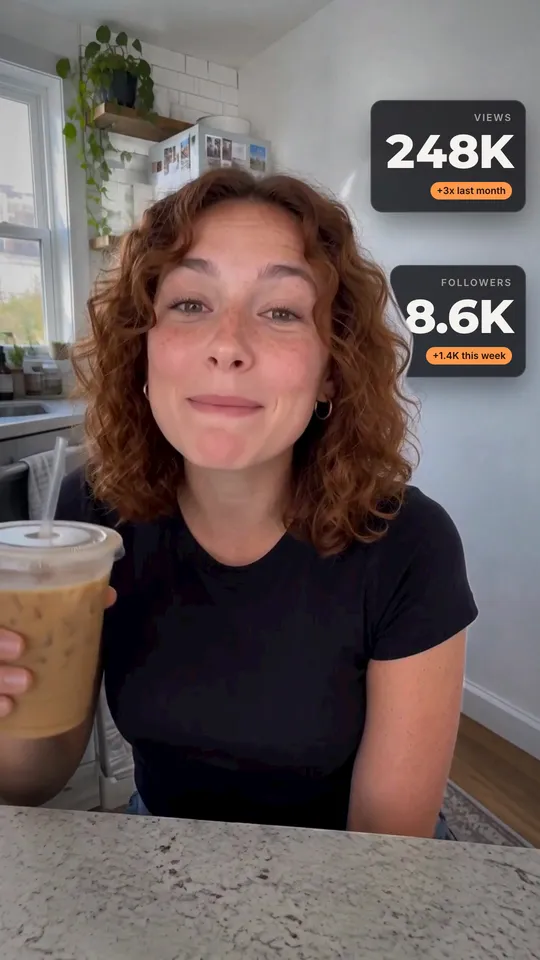
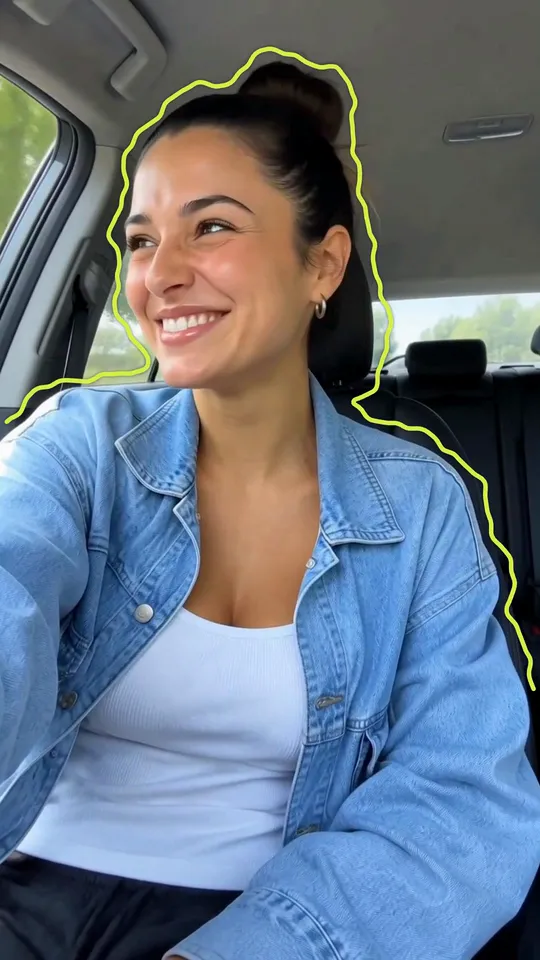
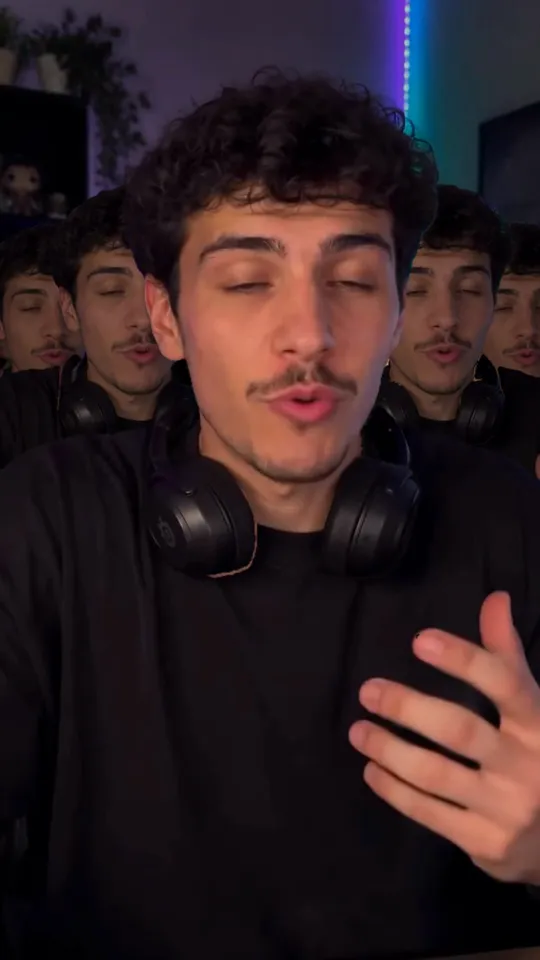
Cut-out. A HyperFrames composition (HTML and GSAP) that Takes renders on your Mac and lays over your take, timed to the words you say. It works in 9:16, 4:5, 1:1 and 16:9. It needs a cut-out of the speaker; Takes makes it on your Mac, no key needed. The people in the preview are made with AI; they are not real people.