 Takes
Rotating text
Orbit ring: a motion graphic for talking-head videos. Copy the prompt, and Takes puts it on your take.
Add Orbit ring at 0:01 with "ONE VIDEO A DAY" spinning round my head for two turns.
What it does
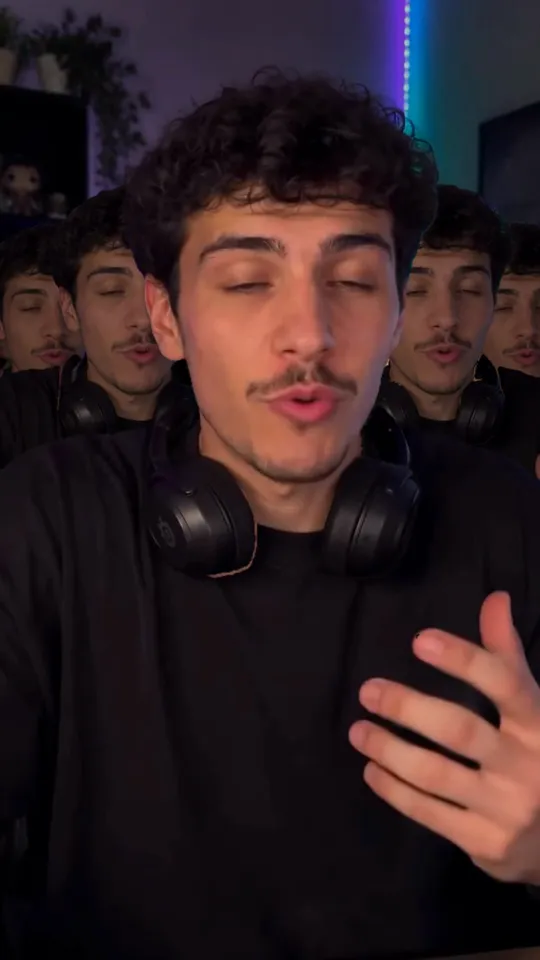
A ring of tall serif capitals spins round the speaker's head like a planet's ring. The front half passes in front of the chin in gold, and the back half goes behind the head, smaller and silver. It whips in from the side with a blur, spins, and whips out while the shot punches in a little.
Use it for
How it is made
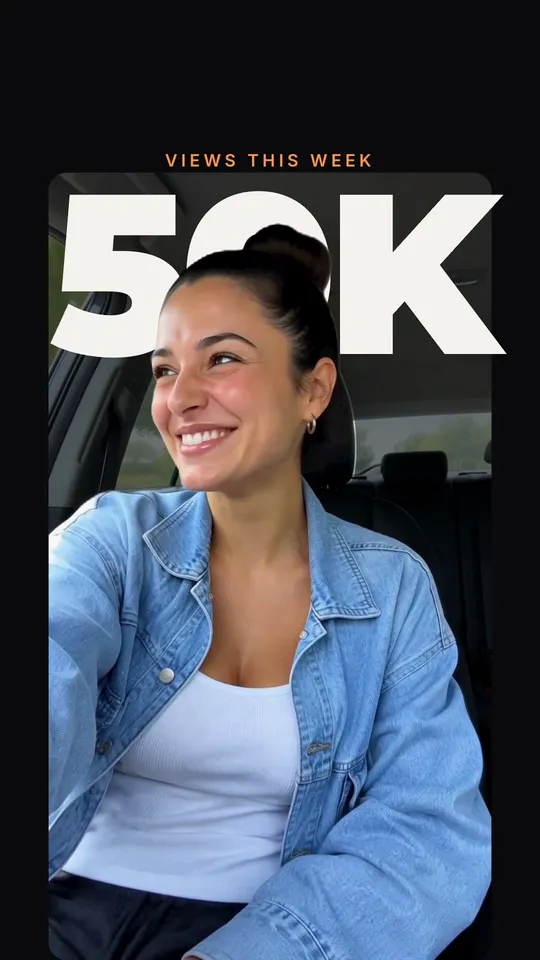
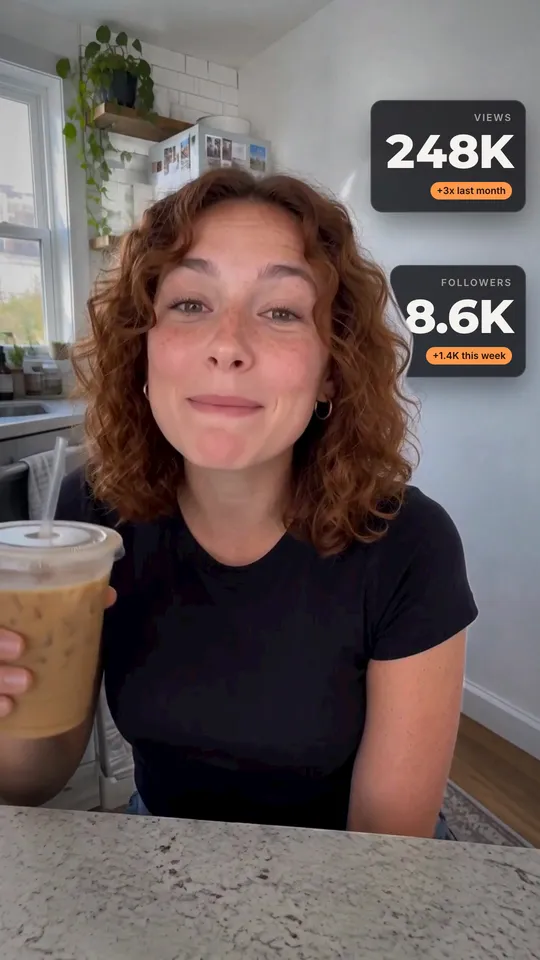
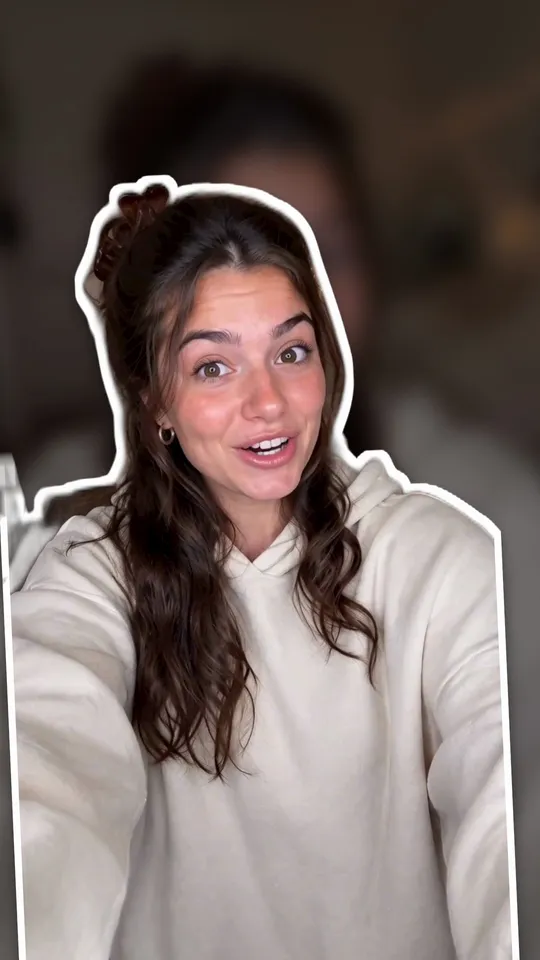
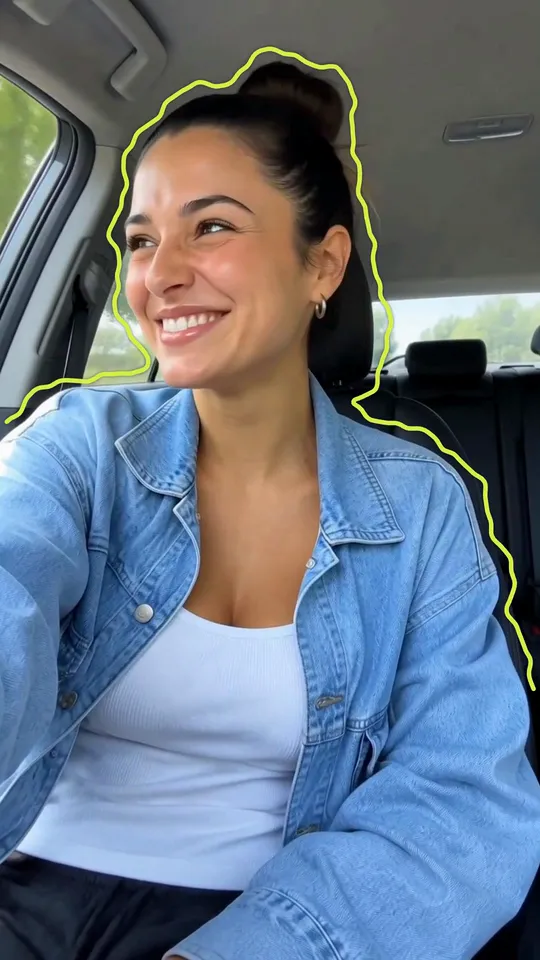
Cut-out. A HyperFrames composition (HTML and GSAP) that Takes renders on your Mac and lays over your take, timed to the words you say. It works in 9:16, 4:5, 1:1 and 16:9. It needs a cut-out of the speaker; Takes makes it on your Mac, no key needed. The people in the preview are made with AI; they are not real people.