Free, with every feature
No plan, no trial, no watermark. The AI edits run on your own agent plan, so Claude or ChatGPT users pay $0 more.
 Takes
Takes
Takes Screen Studio alternative
Takes for Mac is a free Screen Studio alternative. It records screen and face with a teleprompter, then edits when you ask.
The short answer
No plan, no trial, no watermark. The AI edits run on your own agent plan, so Claude or ChatGPT users pay $0 more.
A teleprompter follows your voice while the screen and camera record. Viewers never see it.
"Cut the restarts, add captions, make a 9:16." No timeline, no drags.
At a glance
Screen Studio
Takes for Mac
What it costs
Screen Studio yearly costs less than a new Claude Pro plan. If you already pay for Claude or ChatGPT, Takes adds $0.
Screen Studio prices from screen.studio, 22 October 2026. Claude Pro is $20 a month, or $17 billed yearly. ChatGPT Plus with Codex is $20 a month.
How
Press ⌘R. Screen and camera save as two files.
It follows your voice. Viewers never see it.
Plain words. No timeline.
16:9 and 9:16, saved on your Mac.
Less work
The same job: a tight 9:16 clip with captions, then the post.
Timeline editor 10 steps
Takes 2 messages
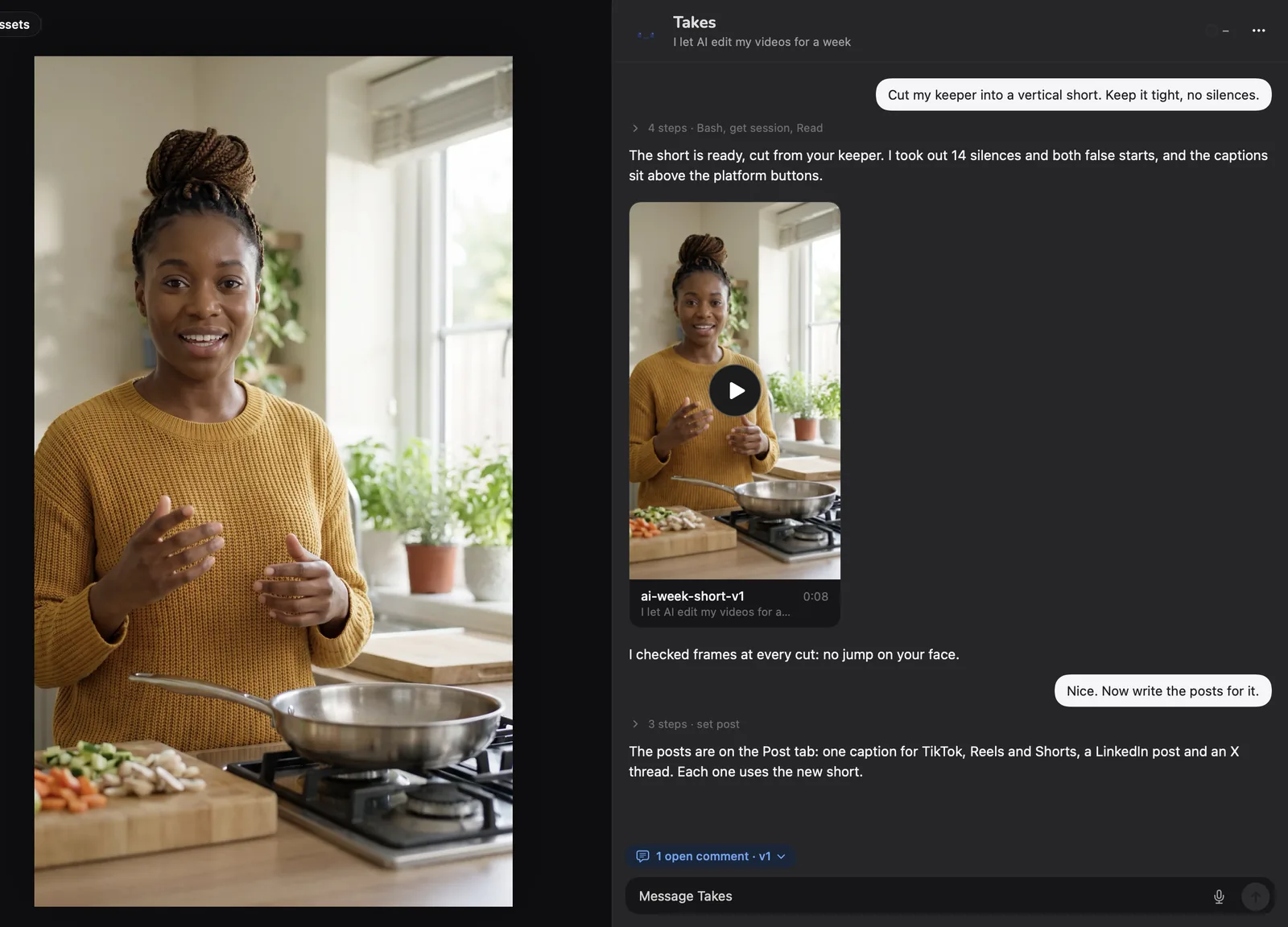
A real video
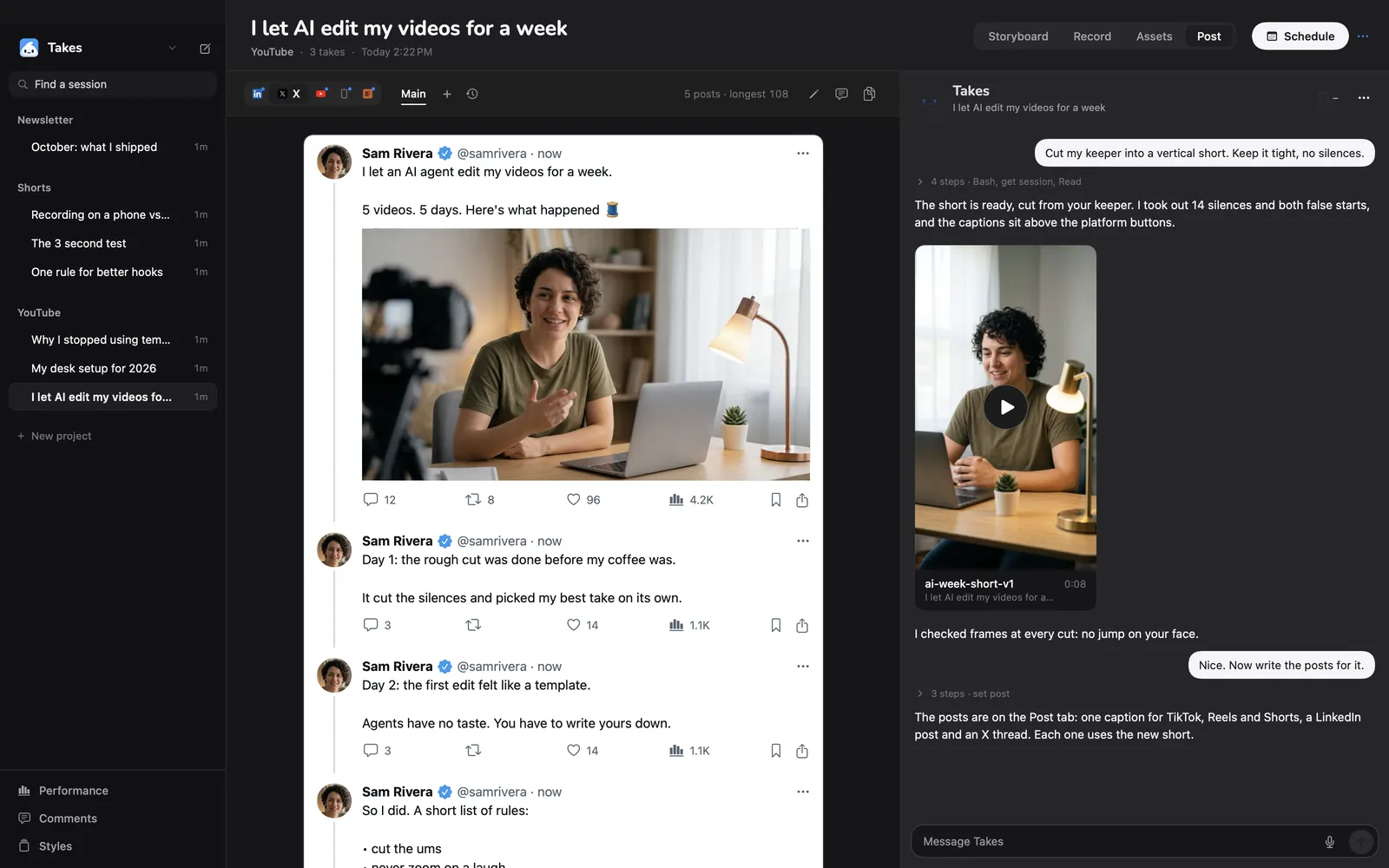
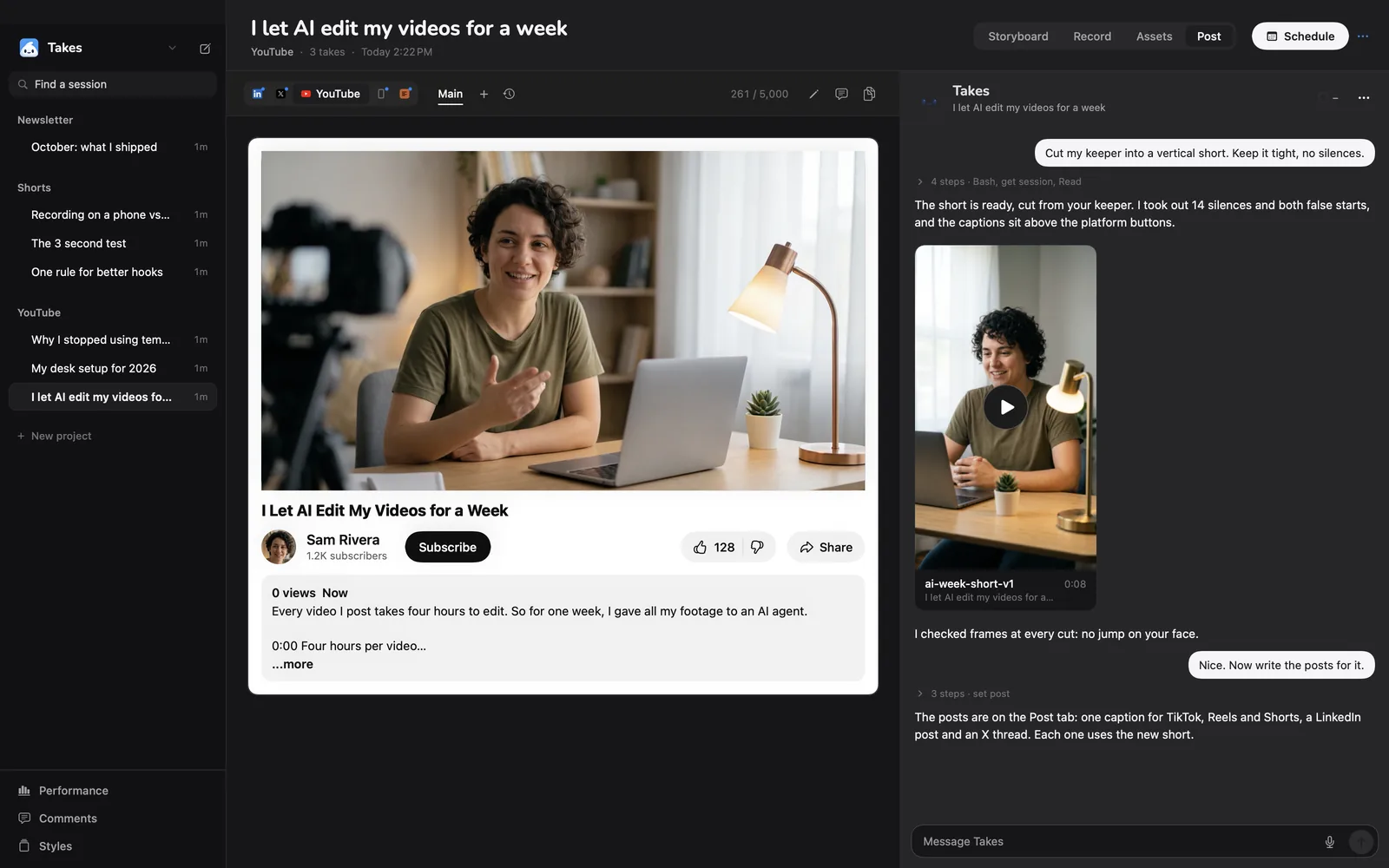
The maker of Takes made this LinkedIn video in Takes on October 1, 2026. Claude Code did every cut. The full story, step by step.
Some of the real notes
What you get
It scrolls as you talk and waits when you stop.
Screen at 60 fps and camera, same start.
Ask once. The ums and retakes go.
Burned in, low, clear of your face.
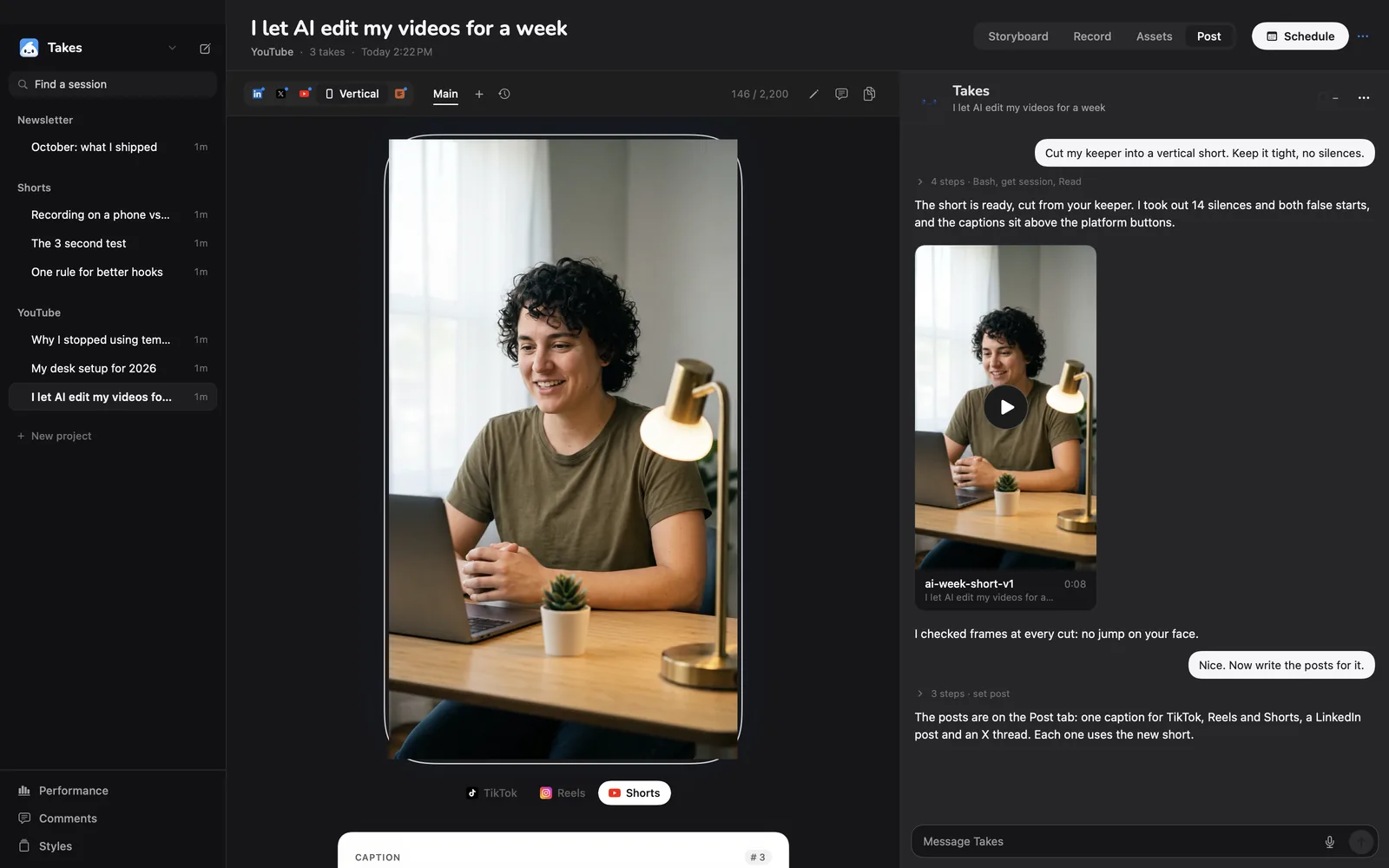
The vertical crop follows you.
MIT licensed. No account, no trial.
Post
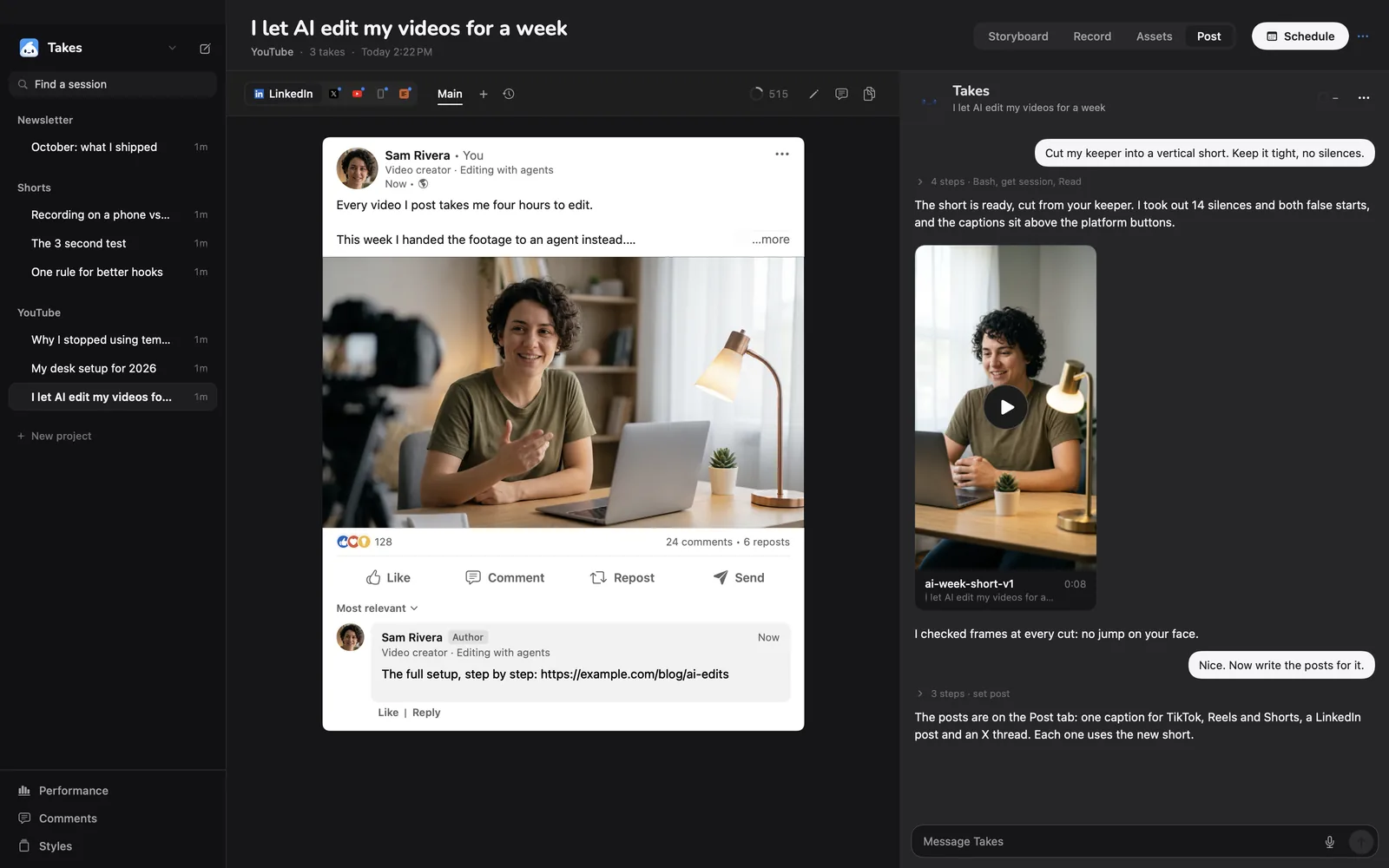
LinkedIn, X, YouTube and Shorts, each shown as it will look.
Compare
| Takes for Mac | Screen Studio | |
|---|---|---|
| Price | Free, open source (MIT) | $29 a month, or $108 a year |
| Free plan | Every feature, no watermark | None listed |
| Records | Screen at 60 fps and camera, two synced files | Screen, camera, iPhone and iPad |
| Teleprompter | Follows your voice, left out of the recording | Speaker notes on screen |
| Zoom on your clicks | No | Yes, automatic |
| How you edit | Ask in words | Timeline and transcript |
| Cut ums and pauses | Yes, when you ask | Yes, in one pass |
| Captions | Burned in, in your style | Made on your Mac, .srt export |
| 9:16 version | Yes, framed on your face | Yes |
| Share link | No, files stay on your Mac | Yes, 1080p at 60 fps |
| Post drafts | LinkedIn, X, YouTube, Shorts | Not listed |
| Runs on | Mac, Apple silicon, macOS 15+ | Mac, macOS 13.1+ |
Screen Studio facts from screen.studio, checked 2026-10-22. Takes from its code.
Be honest
Get started
One line installs Takes and sets it up. Or download the .dmg.
Questions
Yes. Takes for Mac is free and open source (MIT): every feature, no watermark. Screen Studio is $29 a month, or $108 a year.
No. Takes does no automatic zoom. It records your screen and your face, then edits when you ask.
Yes. Screen at 60 fps and camera, as two files that start together.
Yes. It follows your voice and stays out of the screen recording.
Apple silicon, macOS 15+, and an agent on your own plan: Claude Code, Codex or pi.
More about Takes